
Photo to Dance Video: How to Turn One Picture Into a Toc Toc Clip
A practical guide to the one-photo-to-dance workflow: how to choose a photo (single subject, full body, lighting, framing), what to avoid, and how to fix a result that drifts — for an 8-second vertical toc toc video at 30 credits.
 Maya Chen
Virtual editorial column · Product visuals and image editing
CircleAIDance editorial content; the profile image is AI-generated and does not represent a real customer, independent reviewer, or named human expert.
AI-assisted content checked against the current CircleAIDance product workflow; it is not an independent product review.
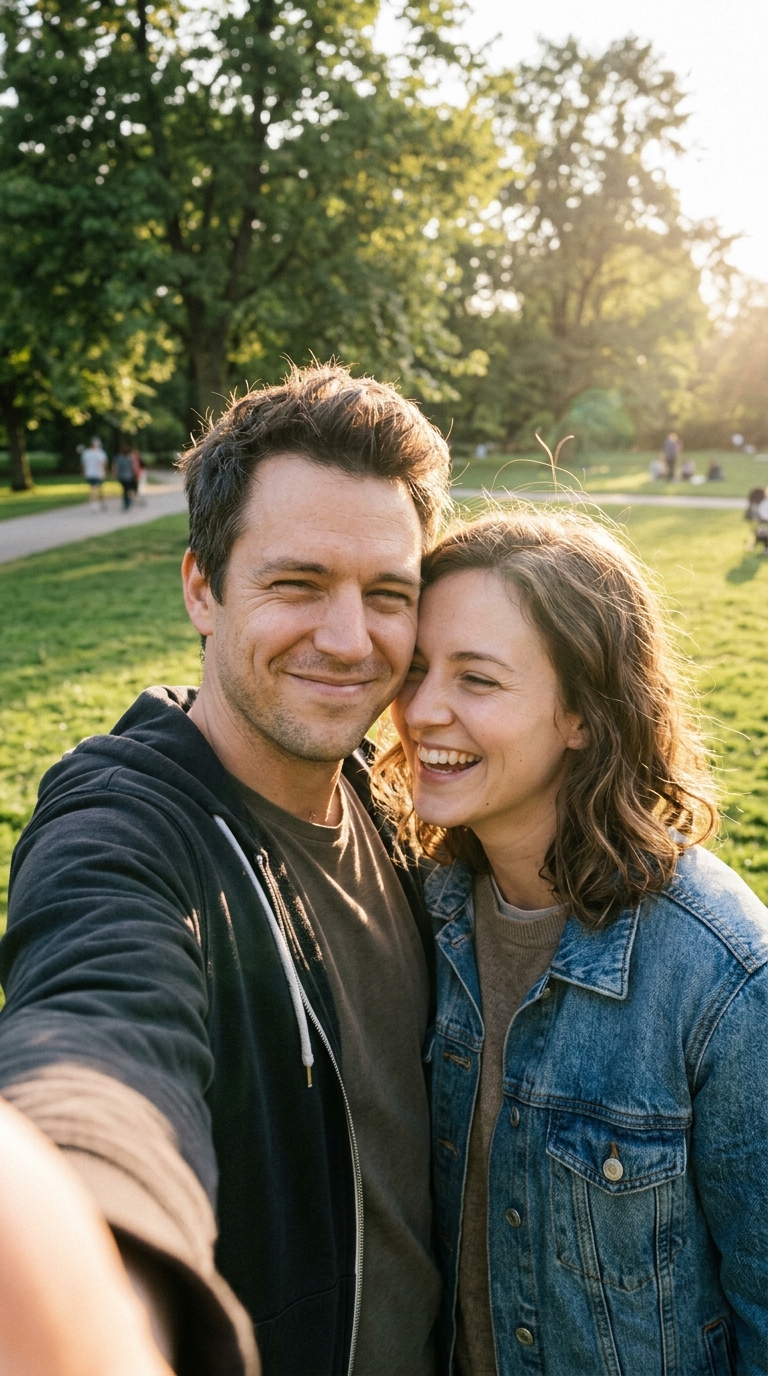
The one-photo-to-dance workflow lives or dies on the input picture. The effect is fixed — it will always produce the toc toc dance with a crew of costumed friends — so the only variable you control is the photo you feed it. This guide is about choosing that photo well and knowing what to change when a result drifts.
The short version
- One subject. The effect follows a single person or pet; crowded group shots dilute it.
- Face clear, light even. No heavy filters, no sunglasses, no deep shadow across the face.
- Framing: full body or knees-up reads best, because the dance needs room.
- Output: an 8-second vertical (9:16) MP4 for TikTok.
- Cost: 30 credits per video; one-time packs from $9.90, no subscription.
- Start here: upload your photo to the generator.
How the conversion works
There is no prompt box and no style menu. The tool takes your photo, keeps the subject recognizable, and animates a fixed routine: the subject plus a crew of costumed friends performing the toc toc dance — one-foot hops, the knocking fist, quick quarter-turns. The subject is asked to stay the same person or pet as in the photo: same face, same hair, same look.
Because the effect is fixed, your job is not to write instructions. Your job is to hand over a photo the model can read cleanly. Everything below is about that.
Choosing the photo
One clear subject beats everything else. Pictures with a single person or a single pet produce the most reliable dance. When several people are visible, the effect latches onto one subject and the others become confusing background — so a group photo is usually the wrong input even though the tool will accept it.
A visible, well-lit face. The model keeps identity from the photo, so the face needs to be readable. Daylight, a bright room, or a phone flash all work; heavy beauty filters, masks, sunglasses and hats that shade the whole face make identity harder to preserve.
Full body, or at least knees-up. The dance is performed with the legs — the hops are the whole point. A full-body or knees-up photo gives the routine room to read. A tight headshot can still work, but you will see less of the dance.
Any orientation? The output is always vertical (9:16), so a portrait photo is the natural choice. A landscape photo still works, but the subject is likely to be framed smaller inside the vertical frame.
Photo quality | Works best | Risky |
|---|---|---|
| Subjects | One person or one pet, clearly visible | Crowded group photos |
| Face | Even light, unobstructed, no filter | Sunglasses, masks, deep shadow |
| Framing | Full body or knees-up | Subject tiny, cropped or turned away |
| Orientation | Portrait | Very wide landscape with a small subject |
| Background | Plain or busy — both fine | — |
Step by step
Step 1 — Pick one photo. Choose the cleanest single-subject photo you have. If you are deciding between a good selfie and a good full-body shot, send the full-body shot: the dance reads better with legs visible.
Step 2 — Upload and generate. The effect is locked, so there is nothing to set. One video costs 30 credits and typically renders in two to five minutes.
Step 3 — Review the result. Watch for three things: is the subject recognizable, does the subject stay inside the frame, and do the hops and the knocking fist read clearly? Those three checks tell you whether the input or the framing is the thing to change.
Step 4 — Download and post. Save the MP4 and add the trending toc toc sound inside TikTok. The clip ships with its own light party audio, not the copyrighted track.
If the result drifts
Re-generating with the same photo can help, because the model samples a slightly different take each run. If it keeps drifting, change the input rather than the settings:
- Subject looks off-identity: move to a sharper, brighter, less filtered photo, ideally one where the face is large and front-facing.
- Subject gets cropped or pushed to the edge: switch to a portrait, full-body photo so the routine has vertical room.
- The dance reads weakly: use a photo where the whole body is visible, so the hops and turns have space.
- Too much clutter around the subject: use a tighter crop on the one subject before uploading.
Because every run is a fresh generation, one retry is often all it takes. If your budget matters, the cost guide shows how the packs are sized so retries stay cheap.
One habit keeps retries productive: change a single variable between runs. If you fix the photo and the framing at the same time, you will not know which fix worked — and you will spend credits twice to learn nothing. Adjust the photo first, since it is the variable with the largest effect, and only then consider framing.
Start from a good photo
The workflow rewards one good input over ten mediocre ones. Pick a single subject, keep the face visible and the light even, and frame from the knees up if you can — then open the toc toc generator. If you want to understand what the fixed effect is doing under the hood, read the trend guide and the prompt guide. Packs and per-video pricing live on pricing.
Frequently asked questions
What is the best photo for a dance video?
One photo with a single clearly visible subject, an unobstructed well-lit face, and full-body or knees-up framing. Selfies, mirror selfies and casual snapshots all work; crowded group photos do not, because the effect follows a single subject.
Can I use a group photo?
The tool will accept it, but it is not the right input. The effect tracks one subject, so the other people become confusing background. Crop down to the single subject you want dancing.
Can I upload a video instead of a photo?
No. The product takes one photo, and the effect is a fixed one-photo-to-dance conversion. There is no video input.
Why does my result not look like me?
Identity drift usually traces back to the input: heavy filters, sunglasses, a turned-away face or a small subject. Use a sharper, brighter, front-facing photo. Re-running once with the same photo can also help, because each generation is a fresh take.
How many credits does one video cost?
One video costs 30 credits, and the smallest one-time pack is $9.90 for exactly 30 credits — one full video. See pricing for the pack sizes.
Do I need any editing skills?
No. There is nothing to configure. You upload a photo, generate, and download the MP4; the only craft involved is choosing a good source photo.
Related guides
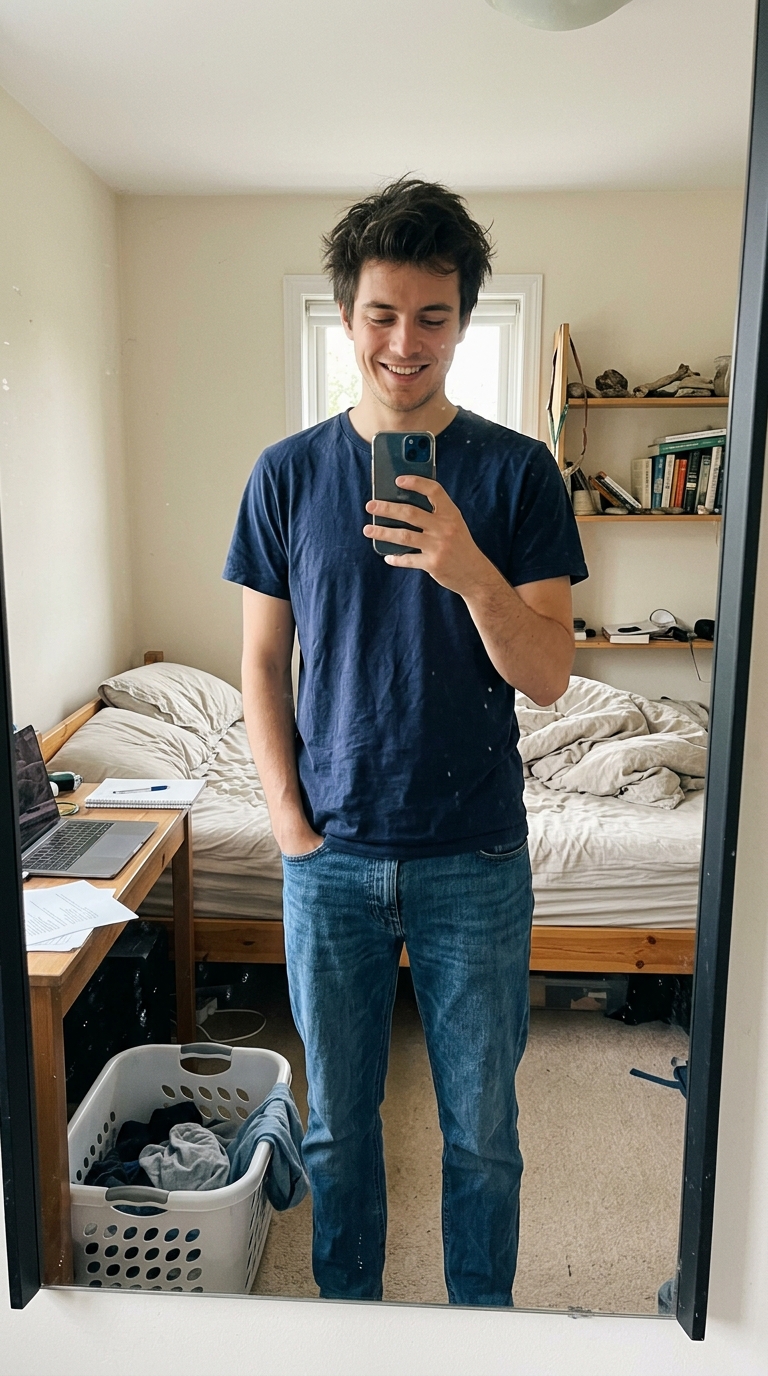
Toc Toc Dance Trend: What It Is and How to Make One From a Photo
The toc toc dance explained: the three moves, where the trend came from, and how one photo becomes an 8-second vertical video of the subject dancing it with a crew of costumed friends — 30 credits, one-time packs from $9.90.
 Jordan Brooks
Toc Toc Video Prompts: How the Fixed Effect Is Written (and What to Change)
Inside the fixed toc toc video prompt: the dance description, camera and motion cues, costume and scene language, and the guardrails that keep a one-photo dance clip natural — plus what you can and cannot change on an 8-second, 30-credit run.
Jordan Brooks
Toc Toc Video Cost: Credits, Packs and the Per-Video Math
What a toc toc dance video costs: 30 credits per 8-second video, one-time packs at $9.90, $19.90 and $29.90, how the credit math works out per video, and why there is no subscription.
 Sofia Park