
AI video generation in one account
CircleAIDance combines image-to-video and text-to-video in the same composer used for stills. Start from a photo or a written scene, monitor tasks asynchronously, and keep outputs in a unified library.
Prompt directions for better results
These reusable briefs explain what to describe, what the workflow returns, and where a first attempt can go wrong.
Story scene and short clip
Describe a shot as a small, observable event with a subject, action, camera move, and timing.
- Make clear
- Specify the starting frame, one main action, camera movement, pace, light, and the intended aspect ratio.
- Avoid
- Avoid stacking multiple unrelated actions or asking for a long sequence in one short clip.
Live catalog
Models and tools you can use now
Compare the live image recipes, their supported formats, and the workflow each entry opens. Everything here is wired to a real product page.
Live models
Hailuo 02 Fast
Lowest-cost commercial Beta video
Hailuo 02 Quality
Higher-resolution 10 second clip
MiniMax H3
Stereo audio · cinematic motion · 2K
Kling 3.0
Native audio shorts · bold motion
Veo 3.1
Image to video · native audio · 6–8s
Veo 3.1 Lite
Image to video · native audio · lowest cost
AI tools
What you can do
Image or text start
Animate an uploaded still or describe an entire scene for text-to-video without a reference frame.
Credit-transparent pricing
See the estimated credit cost before you generate. Failed jobs refund credits automatically.
Built for social formats
Landscape and portrait-friendly ratios for reels, ads, and product loops.
Common questions
More tools
Guides from the blog
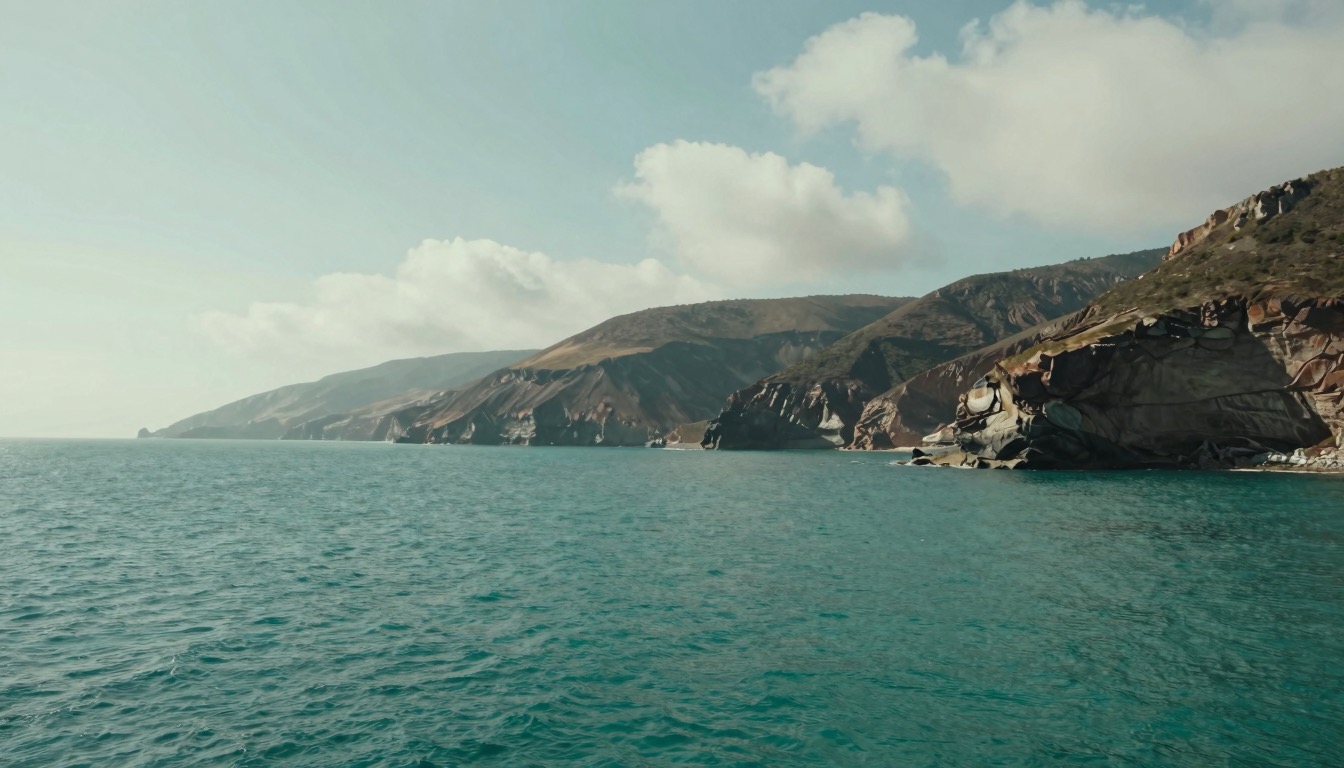
Image-to-Video AI: A Motion and Camera Checklist
Turn a still image into a usable motion draft by planning the first frame, one clear action, camera movement, and a short review loop.
 Maya Chen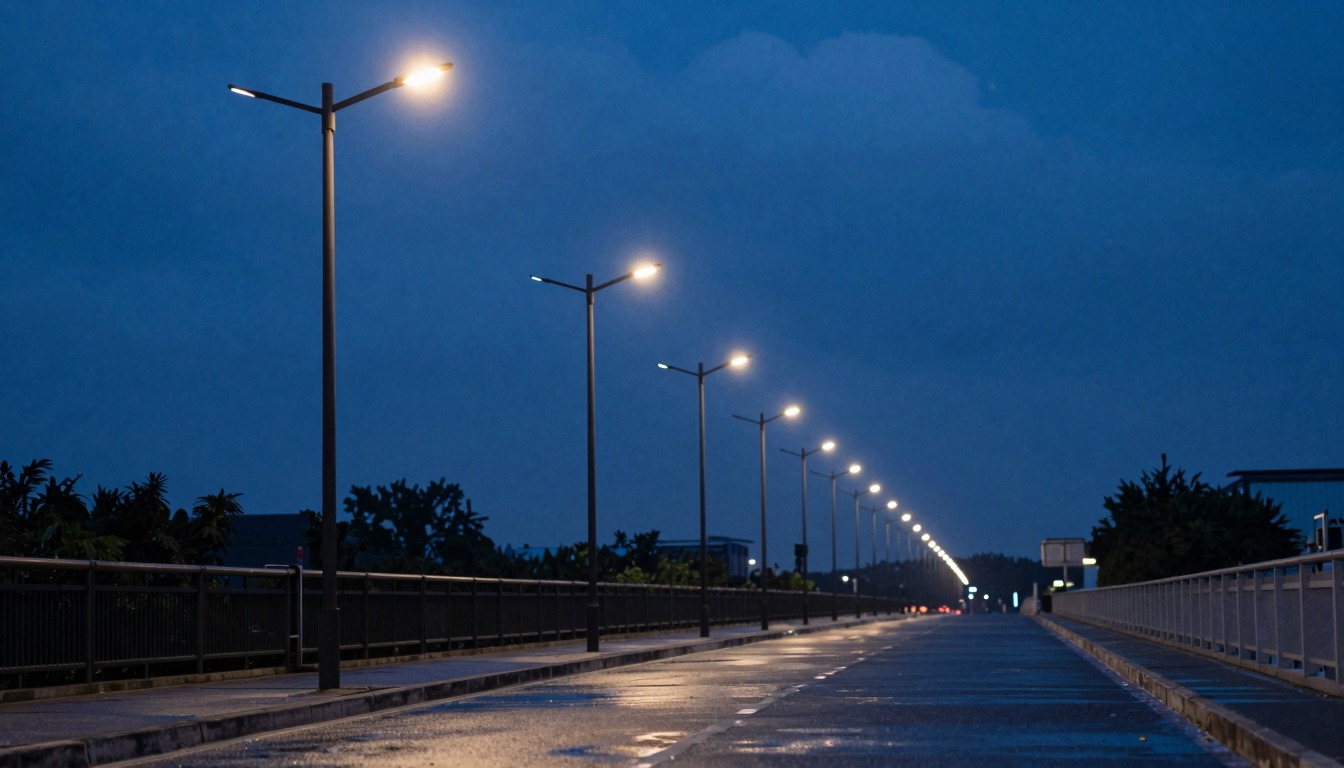
Text-to-Video AI Prompts: Turn a Scene Idea into a Short Shot
A text-to-video prompt structure for subject, action, camera, light, timing, and constraints, with a low-cost review loop.
 Jordan Brooks