
What is the circle AI dance?
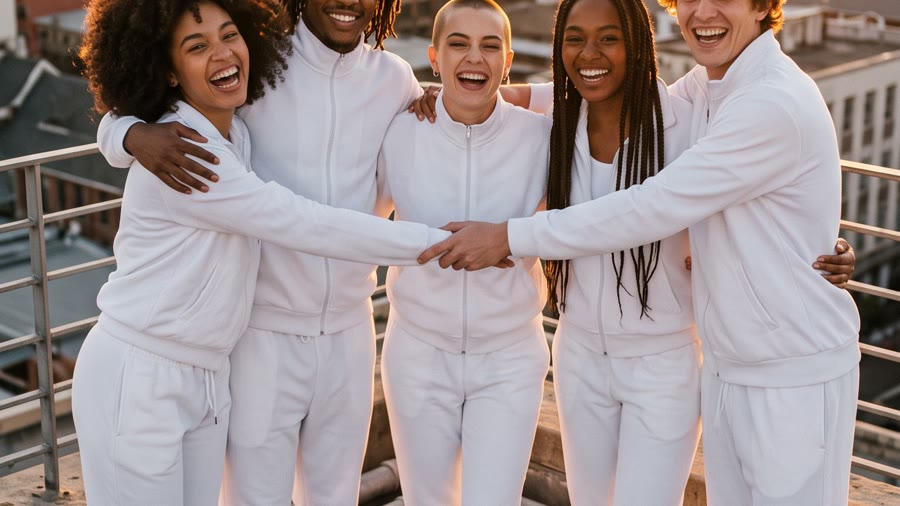
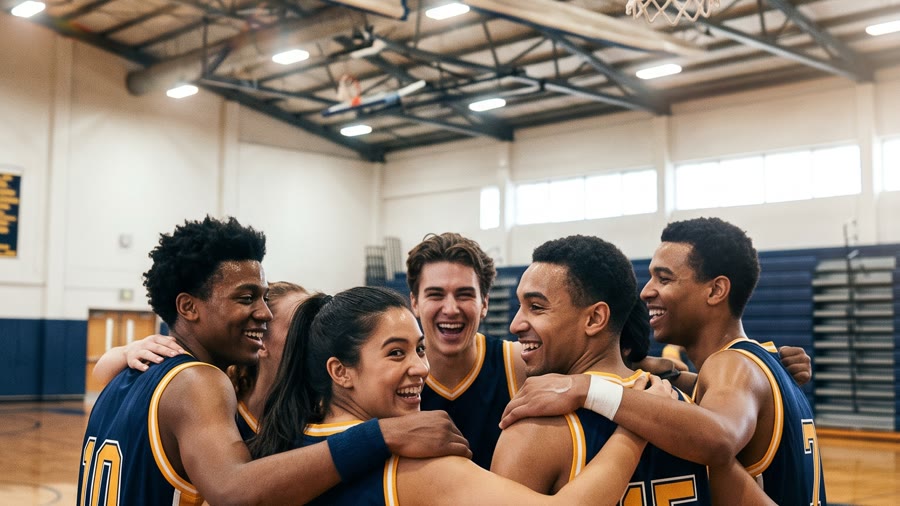
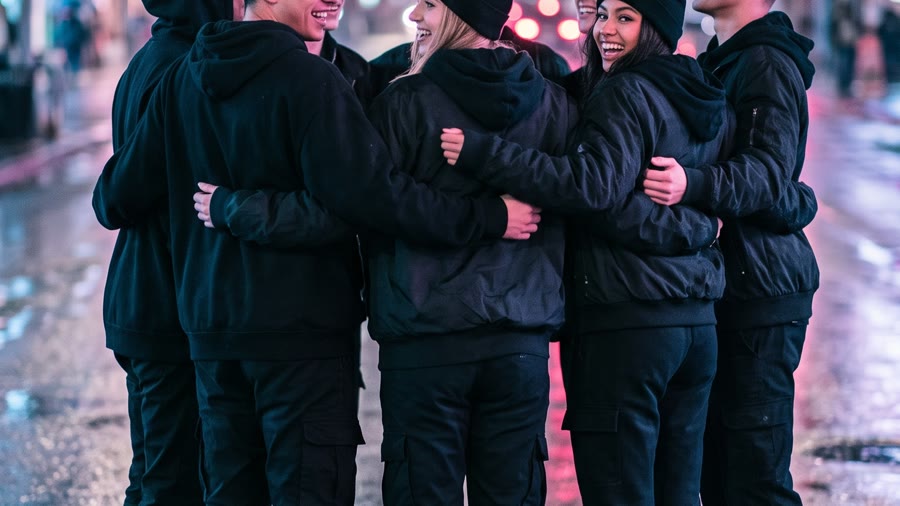
Circle AI dance is the TikTok trend where a group of friends — each supplied as an ordinary photo — ends up standing shoulder to shoulder in a tight circle, dancing one routine in perfect sync while the camera orbits around them. The format spread through early October 2026, and the phrase only started registering in searches in mid-October.
The circle is the whole trick. Everyone faces outward so every face reads, the steps repeat on the beat so the group reads as one body, and the orbiting camera sells the ring — you see each dancer from the front, then the side, then the next one takes their place. Dedicated one-tap apps apply a fixed version of this meme to your photos; the route on this page uses general models instead, which trades the fixed template for a choice of venue, outfits, and choreography.
How a run works
- 01
Compose the circle into one still
Scene pack applied, one photo per person uploaded: Nano Banana 2.1 merges everyone into a single vertical group photo — tight ring, facing outward, arms linked, every face clear.
- 02
Animate the routine
Move preset applied, the still as the reference image: Veo 3.1 renders 8 seconds at 720p or 1080p with synchronized audio — steps, beat, and laughter arrive in the same pass.
- 03
Loop it, post it
The circle format loops cleanly: match the opening and closing poses and the clip replays as an endless ring. For a longer piece, render two runs with the same circle and join them.
Better photos, better circle
Do
- One clear photo per person, head-and-shoulders or waist-up
- Even light with faces fully visible
- Circles of four to eight people — enough to feel like a crew, few enough that every face stays sharp
- Ask everyone in the circle before using their photo
Avoid
- Full-body shots from a distance — faces get too small to survive generation
- Hats, sunglasses, or harsh shadows across the face
- Crowded group photos where one face is a few pixels tall
- Photos of strangers or public figures — you need the rights to every photo you submit
What a run costs
Every run bills credits, and the composer shows the exact estimate before you start. A finished one-take circle dance is one still plus one video run:
- Circle still · Nano Banana 2.1, per image
- 4 cr @1K · 6 @2K · 9 @4K
- Dance clip · Veo 3.1 Lite, per clip (6s or 8s)
- 30 cr @720p · 35 @1080p
- Dance clip · Veo 3.1 Fast, per clip (6s or 8s)
- 60 cr @720p · 65 @1080p
- Full run (one still + one Lite clip)
- from 34 credits
Full rates are on the Veo 3.1 model page and the pricing page. Bigger circles drift out of sync more easily — plan on rendering more than one take and keeping the tightest.
Before you start
Use photos you have the right to use — everyone in the circle should be fine with appearing, and if a photo is not yours, get the owner’s permission first; that is also what our terms require for anything you submit. And keep it clean: matching outfits, a good venue, simple steps. Our terms prohibit sexual content, and the trend loses nothing without it — the synchrony is the spectacle.
Circle AI dance FAQ
How many photos do I need?
One clear photo per person. The composer accepts up to ten reference images on Nano Banana 2.1, but circles of four to eight read best: enough bodies to feel like a crew, few enough that every face stays sharp and every step stays in sync.
Why isn't my clip 15 seconds long?
Because dedicated one-tap circle tools ship a fixed-length cut, while general image-to-video renders 6 or 8 seconds per run. Ours is the second kind. The circle format loops cleanly — match the opening and closing poses and it replays as an endless ring — and for a longer piece you render two runs and join them.
Can I make one of other people?
Only with the right to use their photos, which includes them being okay with appearing. Our terms require that you hold the necessary rights to everything you submit — that rules out scraping strangers’ or public figures’ photos — and likeness rules vary by where you and they live. When in doubt, ask.
Why are my dancers drifting out of sync?
A general image-to-video model is not a choreography engine: it infers the group’s timing from your prompt, and bigger circles with complex moves drift more. Keep the circle small, the step simple and repeated, and the words “perfectly synchronised” in the motion prompt — then render more than one take and keep the tightest.
Do I need to install anything?
No. Both steps — composing the circle still and animating it — run in the browser in CircleAIDance Studio; the only things you bring are the photos.