
snapgen ai Alternative for Veo 3.1: What Is Verified, and What a Clip Costs
Searching "snapgen ai"? What could be verified about the site, the straightforward ways to run Google Veo 3.1, and exact CircleAIDance pricing — per-clip credits starting at 30, shown before you generate.
 Maya Chen
Virtual editorial column · Product visuals and motion
CircleAIDance editorial content; the profile image is AI-generated and does not represent a real customer, independent reviewer, or named human expert.
AI-assisted content checked against the current CircleAIDance product workflow; it is not an independent product review.
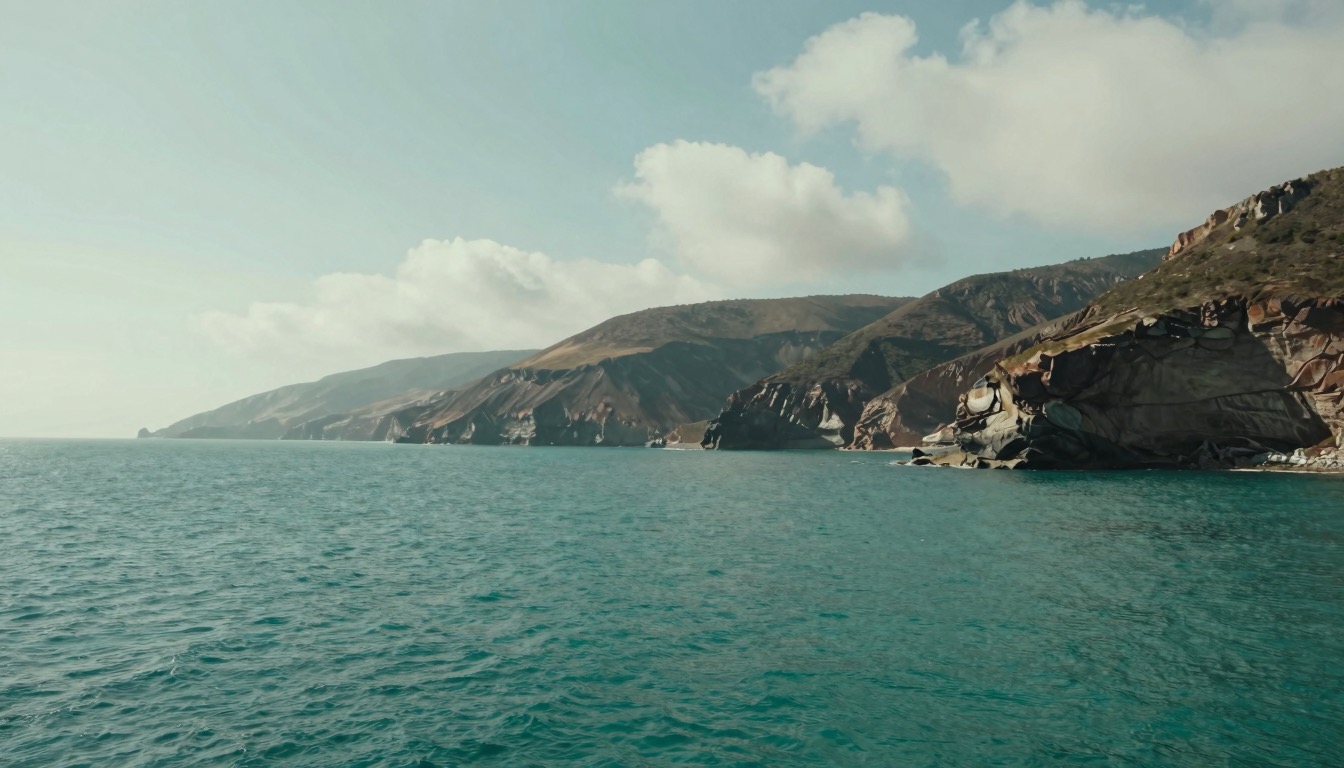
"snapgen ai" is one of the fastest-rising video-generator searches right now, and most people arriving at it want the same thing: a working Veo 3.1 clip without surprises. The short version: snapgen.ai is an independent tool site that markets itself as a free Veo 3.1 video generator; beyond what the site says about itself, we could not verify its operator, pricing, or quotas as of this writing. CircleAIDance has no affiliation with snapgen.ai — what we can offer instead is a verifiable route: Veo 3.1 as image-to-video billed per clip, from 30 credits a clip, with the exact estimate shown before you generate.
What is snapgen ai?
snapgen.ai is an independent tool website that currently presents itself as a free Veo 3.1 video generator. The search term itself is new — interest spiked over recent weeks rather than building over years — and as of this writing we found no established news coverage of the site to cross-check its claims against. The site also currently runs promotions referencing Grok and GPT Image 2, and while researching this piece we found similarly named domains appearing alongside it (snapgens.com and soralum.com), so whatever tool you end up using, confirm you are on the exact domain you intend before uploading anything.
What we could not verify as of this writing: who operates snapgen.ai, what it charges beyond any introductory allowance, what its output quotas are, and which generation provider serves its clips. This article is therefore not a review of snapgen.ai — we have not run generations through it, and CircleAIDance has no affiliation with snapgen.ai.
Is snapgen ai free?
The site's own marketing copy uses the phrase "Free unlimited" — that is the site's wording about itself, quoted here once, and as of this writing we could not verify the pricing structure, account quotas, or output limits behind it. Treat the question as open until you can read those terms on the site itself.
A neutral checklist for any free-looking video generator, this one included: how many clips per day or month, whether output carries a watermark, whether resolution or duration is capped on the no-payment tier, what happens to the images you upload, and what the paid tier costs once you depend on it. For snapgen.ai we could not verify any of those details as of this writing — that is a statement about our verification, not about the site.
Straightforward ways to run Veo 3.1
Veo 3.1 is Google's video generation model, and the routes that can be checked before you pay are the ones a provider publishes: a model page with stated capabilities and per-clip pricing, and terms you can read before uploading. In CircleAIDance's case, Veo 3.1 is reached through Kie's API to Google Veo 3.1 and exposed in our composer as image-to-video: you upload one reference image, describe the motion and the sound you want, and the render comes back at 720p or 1080p, 6 or 8 seconds long, with the audio generated in the same pass — dialogue, ambience, and effects arrive with the picture.
For snapgen.ai we could not verify which provider or terms sit behind it as of this writing. That is not a judgment about the site; it is an unverified item, and the fix is the same five-minute check you would run on any tool: find the published price per clip and the account terms before you commit real work.
What Veo 3.1 costs in CircleAIDance
Billed per clip, at two tiers — Veo 3.1 (the Fast tier) at 60 credits per clip at 720p and 65 at 1080p; Veo 3.1 Lite at 30 credits per clip at 720p and 35 at 1080p — with 6-second and 8-second clips at the same price, and the composer shows the exact estimate before a run starts. Every run needs one reference image, because Veo 3.1 runs image-to-video in CircleAIDance; the model animates the subject your image shows rather than inventing a new one.
Two honesty notes in the same spirit as the rest of this page: there is no free tier for Veo 3.1 here — every run bills per clip — and whether a new account opens with promotional credits is shown at signup; we make no promise about it in this article. Full per-model costs are on the Veo 3.1 model page and our pricing page.
How to choose
Pick the tool that shows you the exact cost before you pay and states its limits in plain text, then match it to the job. If your job is animating an existing photo, product shot, or character sheet with synchronized sound, Veo 3.1 as image-to-video fits directly — open the Veo 3.1 page or the video tools in the composer and check the estimate box before you run. If you are evaluating a newly discovered site instead, verify the domain, the quota, the watermark, and who you pay — then decide. Both routes can coexist; the point of this page is only that "is it free" is answerable by each site's own published terms, and ours are published.
FAQ
Is snapgen ai free?
The site advertises itself with a free-facing slogan, and as of this writing we could not verify the quotas or limits behind it. In CircleAIDance, Veo 3.1 is not free: billing is per clip, starting at 30 credits for a Lite 720p clip, shown before you generate.
What is snapgen ai, and is CircleAIDance related to it?
snapgen.ai is an independent tool site presenting itself as a free Veo 3.1 video generator. CircleAIDance has no affiliation with snapgen.ai — no partnership, no shared operator — and this article is not a review of it.
How can I use Veo 3.1 today?
In CircleAIDance, open image-to-video in the composer, upload one reference image, and describe motion and sound; the clip renders at 720p or 1080p, 6 or 8 seconds, with native audio in the same pass. Start from the Veo 3.1 model page.
How much is a 6-second Veo 3.1 clip?
Billed per clip: the Fast tier is 60 credits at 720p and 65 at 1080p; Veo 3.1 Lite is 30 at 720p and 35 at 1080p. An 8-second clip costs the same. The composer shows the exact estimate before the run starts — see pricing for credit packs.
Does Veo 3.1 need a reference image?
In CircleAIDance, yes — it runs as image-to-video, one image per run. Pick a clean, well-lit shot framed close to your intended first frame at 16:9 or 9:16, and put motion, camera, and sound into the prompt.
Related guides
Image-to-Video AI: A Motion and Camera Checklist
Turn a still image into a usable motion draft by planning the first frame, one clear action, camera movement, and a short review loop.
Maya Chen
Text-to-Video AI Prompts: Turn a Scene Idea into a Short Shot
A text-to-video prompt structure for subject, action, camera, light, timing, and constraints, with a low-cost review loop.
 Jordan Brooks
MiniMax H3 vs Kling 3.0: Which AI Video Model to Pick
A practical comparison of MiniMax H3 and Kling 3.0 for image-to-video: native stereo audio, 2K resolution, per-second credit costs, motion style, and how to split work between them.
Maya Chen