
What Is the Passenger Princess AI Video? The Beats, the Caption, and How to Make One From a Photo
The passenger princess AI video explained: what the front-seat clip shows, the beats in order, which photo works, and how to turn one photo of yourself into an 8-second clip and label it as AI.
 Theo Marchetti
Virtual editorial column · Meme history and origins
CircleAIDance editorial content; the profile image is AI-generated and does not represent a real customer, independent reviewer, or named human expert.
AI-assisted explainer written on November 20, 2026 from how the effect works on our own generator; it cites no search volumes, dates, origins or competitor figures. The sample clip and the photo are AI-generated.

“Passenger princess” is slang for the person in the front seat who never has to handle anything. The video version is a calm little skit: a neck pillow, a blanket on the lap, sunglasses, a slow sip of iced drink, and then one finger slides the sunglasses down and a composed look goes straight into the camera. A caption like “the princess is off duty” finishes the joke.
What happens in the clip?
Four beats, in order:
- Lean back and sip. Neck pillow on, blanket over the lap, sunglasses on, she takes a slow sip of iced drink through the straw.
- Cup into the cup holder. She lowers the cup and sets it down beside the console.
- A finger to the sunglasses. One hand comes up, a finger goes to the frames and slides the sunglasses down toward the tip of the nose, and she looks into the camera over the top.
- Hold the look. A small, satisfied smile, and she holds the pose, calm and composed.
The camera stays fixed at the console, pointed at the front passenger seat, with warm afternoon light through the side window. The car is parked.
How do you make a passenger princess AI video from a photo?
Upload one clear seated photo to the passenger princess AI page and press generate. The AI keeps the face, hair and clothes of the person in the photo and runs the beats above as an 8-second vertical clip. It costs 30 credits, and failed renders are never charged. The clip is silent, so add your own sound and a caption when you post.
Which photo works best?
A sharp, well-lit photo of one adult sitting upright and facing the camera, chest up or waist up, with the face easy to see. Our sample started from a car-seat photo that already had a neck pillow, a blanket, sunglasses and an iced drink; we have not tested photos taken outside a car or without props. Heavy filters, side profiles and small faces in a group shot work poorly. The exact sunglasses move and the timing vary from run to run. Only use photos of yourself or adults who agreed, and no celebrities. We have not tested pet photos.
Do you have to label it as AI, and what about driving?
Yes, label it. The clip is AI-generated, so mark the post as AI-generated when you share it. And never film yourself while driving: the car in the clip is parked, and a generated scene is no reason to shoot behind the wheel.
For other trends, see the Mexico pterodactyl AI video, the baby mustache AI trend, or the how I become a millionaire AI skit.
Related guides
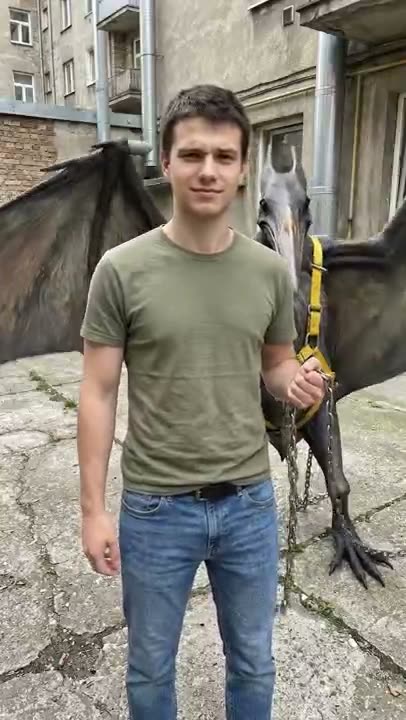
What Is the Mexico Pterodactyl AI Video? The Beats, the Caption, and How to Make One From a Photo
The Mexico pterodactyl AI video explained: what the walk-the-pterodactyl clip shows, the beats in order, which photo works, and how to turn one photo of yourself into an 8-second clip and label it as AI.
Theo Marchetti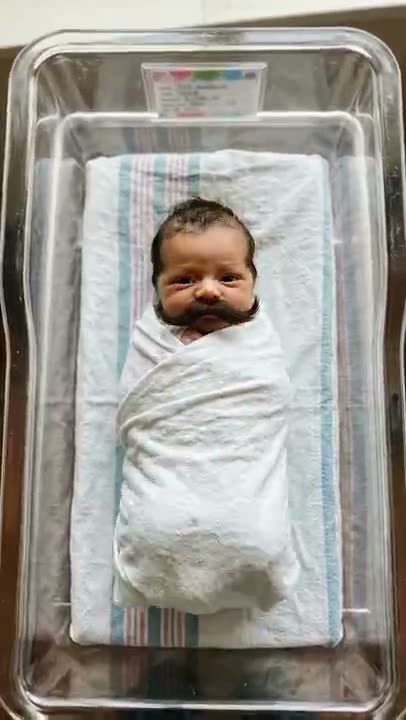
What Is the Baby Mustache AI Trend? How the Clip Works and How to Make One
The baby mustache AI trend explained: what the newborn-with-a-mustache clip is, what happens in it, which photos work, whether you can use your own baby or a pet, and how to label it as AI.
Theo Marchetti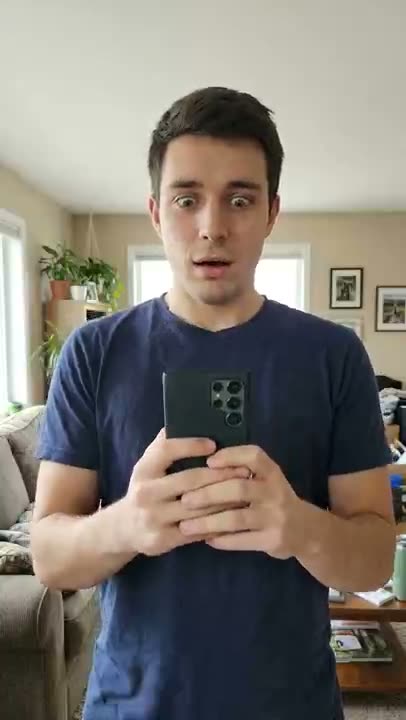
What Is the “How I Become a Millionaire” AI Skit? The Beats, the Captions, and How to Make One
The “how I become a millionaire” AI reaction skit explained: what the clip shows, how to add the question and reply as captions, which photos work, and how to make an 8-second version from one photo and label it as AI.
Theo Marchetti
Photo to Dance Video: How to Turn One Picture Into a Toc Toc Clip
A practical guide to the one-photo-to-dance workflow: how to choose a photo (single subject, full body, lighting, framing), what to avoid, and how to fix a result that drifts — for a 12-second vertical toc toc video at 100 credits.
 Maya Chen