
What Is the Save Yourself AI Trend? How the Clip Works and How to Make One
The save yourself AI trend explained: what the cliff-rescue clip is, what happens in it, how one photo or two photos (old me / new me) work, which photos to use, and how to label it as AI.
 Theo Marchetti
Virtual editorial column · Meme history and origins
CircleAIDance editorial content; the profile image is AI-generated and does not represent a real customer, independent reviewer, or named human expert.
AI-assisted explainer written on November 12, 2026 from how the effect works on our own generator; it cites no search volumes, creator names or competitor figures. The sample clip and photo are AI-generated and show a fictional scene.
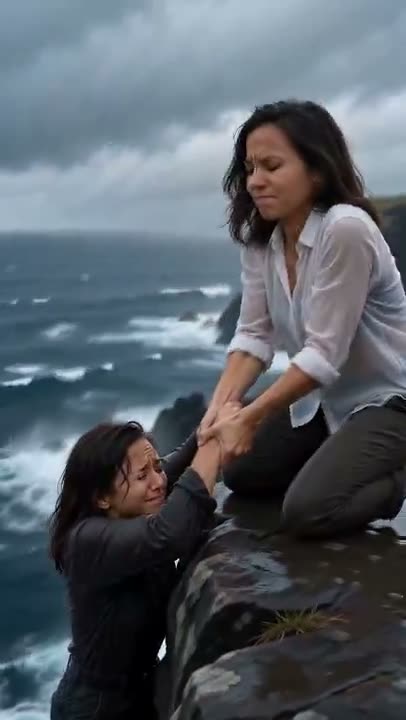
The save yourself AI trend is a short, obviously fictional clip: you hang from a sea cliff above a stormy ocean, and a calmer, stronger version of you reaches down, pulls you up, and hugs you. It is an AI video trend on TikTok and Reels, and the message is simple: if nobody comes to save you, you can save yourself.
What happens in the clip?
Four beats, in order:
- Hanging on. The frightened you, in dark clothes with wet hair, clings to the edge of a black rock cliff while waves crash below.
- The wrist grab. The calm you, in a white shirt, kneels at the edge and takes your wrist.
- The pull. They lean back and pull you up over the edge.
- The hug. Both of you kneel on the cliff top and hold on tight, and the calm you pats your back.
It is one continuous shot, and exactly two people are in it. The scene is clearly fictional — it is not footage of a real event.
How do you make a save yourself AI video?
Upload one clear photo of yourself to the save yourself AI page and press generate. The AI uses your face for both versions and tells them apart by clothes and expression. You get a 10-second vertical clip for 100 credits, and failed renders are never charged. The clip has no sound baked in, so add your own sound inside TikTok or Reels when you post.
What is the old me / new me version?
Upload two photos instead of one: an older photo of yourself first, a recent one second. The first becomes the you hanging from the cliff and the second becomes the calm you who pulls you up. The result is an approximation, so expect a likeness that is close rather than exact.
Which photos work best, and who can you use?
A sharp, well-lit photo where the face fills a good part of the frame. Sunglasses, heavy filters and small faces in a group shot work poorly. Only use photos of yourself or of an adult who agreed, and no celebrities.
Do you have to label it as AI?
Yes. It is a fictional AI scene, so mark the post as AI-generated when you share it. That keeps the meaning clear: nobody should think it is a real rescue.
For another one-photo trend, see what the baby mustache AI trend is, or try the turning my mom into me trend.
Related guides
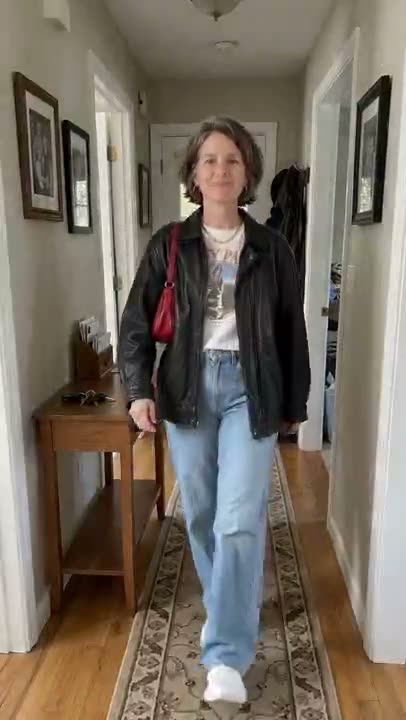
What Is the Turning My Mom Into Me AI Trend? How the Clip Works and How to Make One
The turning my mom into me AI trend explained: what the hallway outfit-swap clip is, what happens in it, which two photos you need, the dad and grandma versions, and how to label it as AI.
Theo Marchetti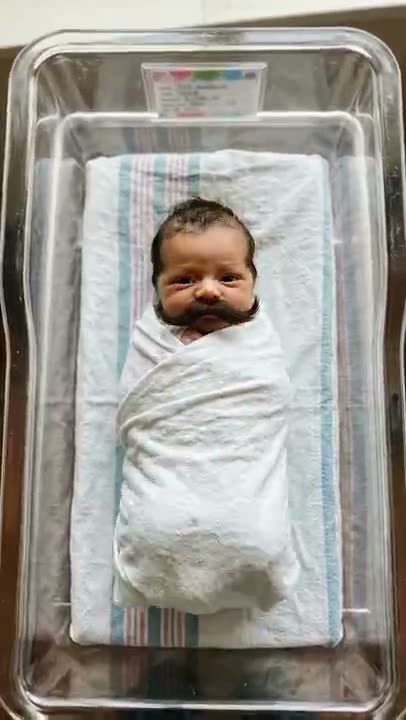
What Is the Baby Mustache AI Trend? How the Clip Works and How to Make One
The baby mustache AI trend explained: what the newborn-with-a-mustache clip is, what happens in it, which photos work, whether you can use your own baby or a pet, and how to label it as AI.
Theo Marchetti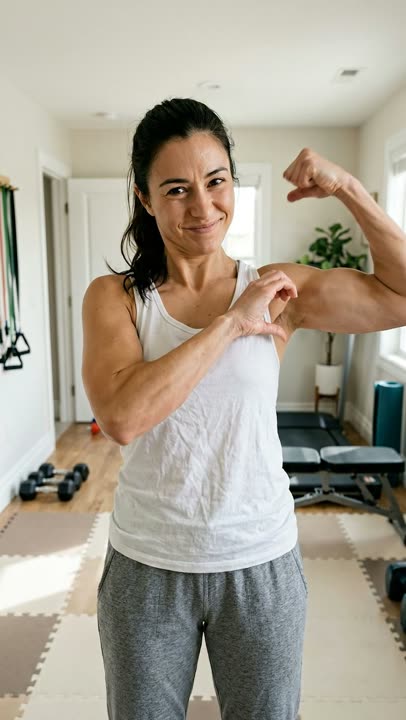
What Is the Bicep Heart Trend? How to Do the Pose, Step by Step
The bicep heart trend explained: what the one-arm bicep heart pose is, how to do it step by step, when it took off, why you do not need big arms, and how to make one from a photo.
Theo Marchetti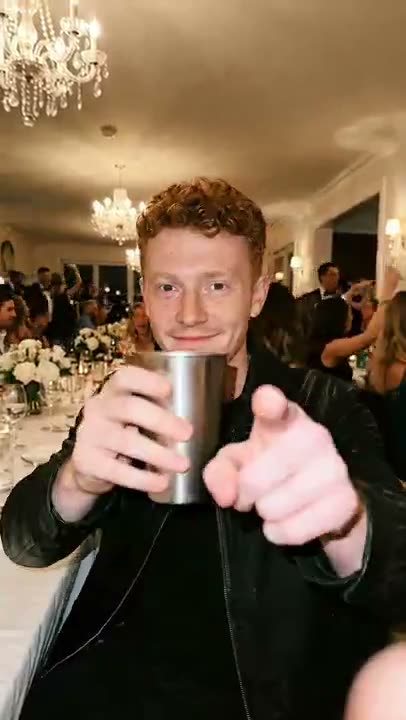
The Burning Bridges AI Trend, Explained: Where It Comes From and the Moves
What the Burning Bridges AI video trend is, which music video it comes from, the five party moves, when it took off, and how to make your own version from a photo without pasting yourself into the original.
Theo Marchetti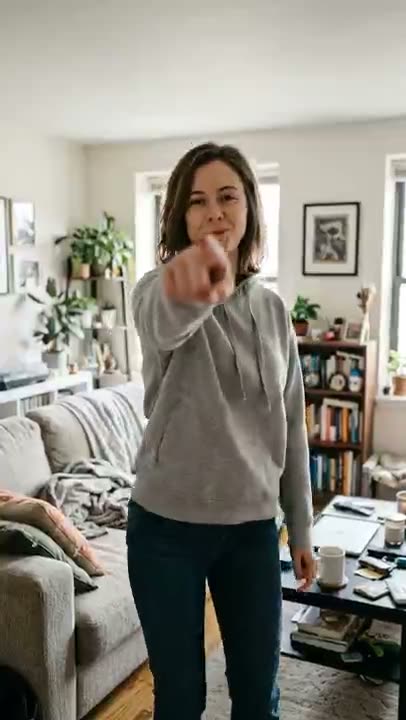
What Is the Bow Bow Bow Dance? The Moves, Step by Step, and How to Make One From a Photo
The Bow Bow Bow dance explained: what the point-and-bounce dance is, the moves beat by beat, which photo works, and how to turn one photo of yourself into an 8-second clip and label it as AI.
Theo Marchetti