
What Is the Bow Bow Bow Dance? The Moves, Step by Step, and How to Make One From a Photo
The Bow Bow Bow dance explained: what the point-and-bounce dance is, the moves beat by beat, which photo works, and how to turn one photo of yourself into an 8-second clip and label it as AI.
 Theo Marchetti
Virtual editorial column · Meme history and origins
CircleAIDance editorial content; the profile image is AI-generated and does not represent a real customer, independent reviewer, or named human expert.
AI-assisted explainer written on November 12, 2026 from how the dance works on our own generator; it cites no search volumes, dates or competitor figures. The sample clip and photo are AI-generated.
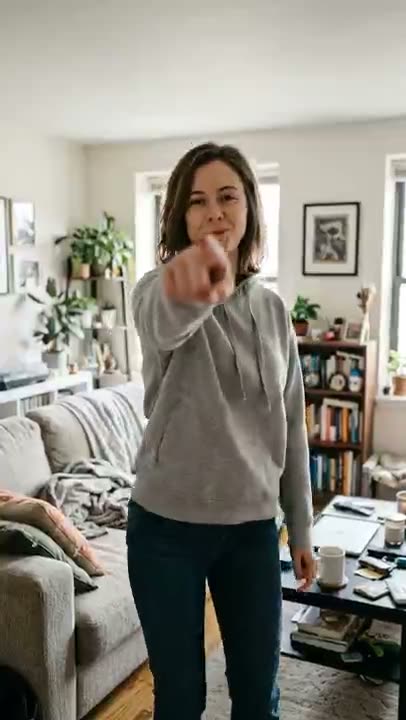
The Bow Bow Bow dance is a short, easy dance on TikTok and Reels. You stand facing the camera, point a hand straight at the lens, shift your weight onto that foot and bounce your shoulders once — then switch hands and do it again. Nothing in it needs dance training, which is a big part of why it is easy to copy.
What are the moves?
Five beats, in order:
- Stand and smile. Feet under your shoulders, a confident smile at the lens.
- Right hand points. Reach out at the camera, weight onto the right foot, one shoulder bounce.
- Left hand points. Switch: left hand, left foot, another bounce.
- Repeat, bigger. Two more right-left rounds, each one a little bigger and more confident.
- Shrug. Both hands spread open in a cocky shrug to finish.
The camera stays put, at about chest height, and you stay in the frame from head to knees.
How do you make a Bow Bow Bow AI video?
Upload one clear standing photo to the Bow Bow Bow dance AI page and press generate. The AI keeps the face, hair and clothes of the person in the photo and runs the five beats as an 8-second vertical clip. It costs 30 credits, and failed renders are never charged. The clip is silent, so add your own sound inside TikTok or Reels when you post.
Which photo works best?
A sharp, well-lit photo of one person standing and facing the camera, from the head to at least the knees. Sitting poses, sunglasses, heavy filters and small faces in a group shot work poorly. The timing and the size of the shoulder bounce are approximate — the AI follows the moves, not a frame-by-frame copy of anyone's clip. Only use photos of yourself or adults who agreed, and no celebrities.
Do you have to label it as AI?
Yes. The clip is AI-generated, so mark the post as AI-generated when you share it.
For other trends, see what the bicep heart trend is, the baby mustache AI trend, or the save yourself AI trend.
Related guides
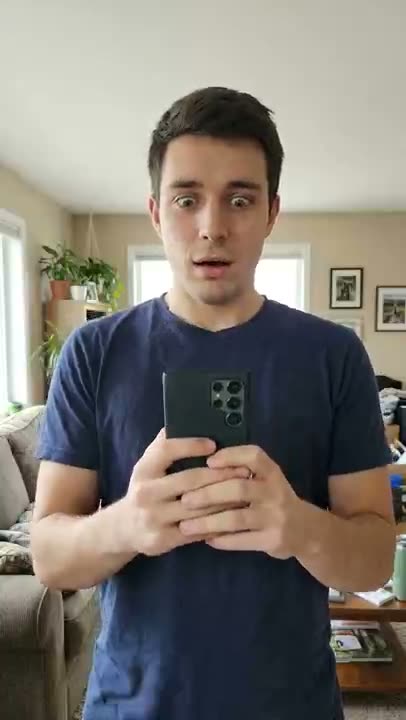
What Is the “How I Become a Millionaire” AI Skit? The Beats, the Captions, and How to Make One
The “how I become a millionaire” AI reaction skit explained: what the clip shows, how to add the question and reply as captions, which photos work, and how to make an 8-second version from one photo and label it as AI.
Theo Marchetti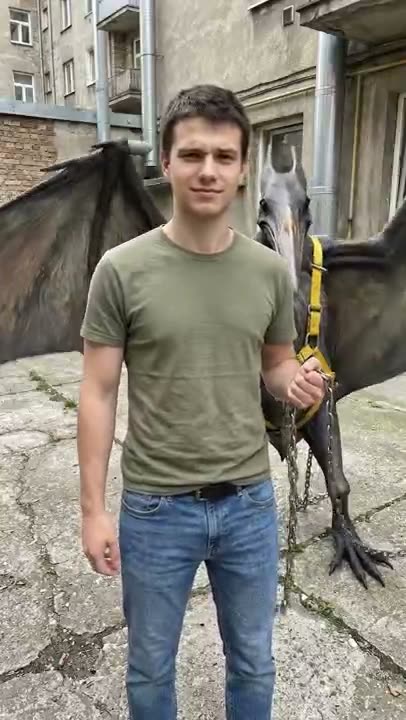
What Is the Mexico Pterodactyl AI Video? The Beats, the Caption, and How to Make One From a Photo
The Mexico pterodactyl AI video explained: what the walk-the-pterodactyl clip shows, the beats in order, which photo works, and how to turn one photo of yourself into an 8-second clip and label it as AI.
Theo Marchetti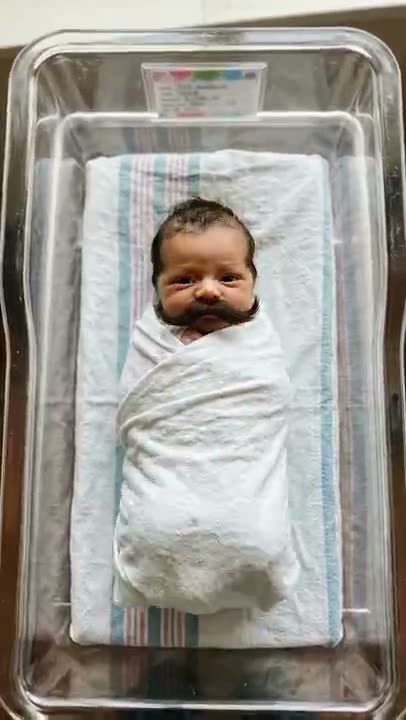
What Is the Baby Mustache AI Trend? How the Clip Works and How to Make One
The baby mustache AI trend explained: what the newborn-with-a-mustache clip is, what happens in it, which photos work, whether you can use your own baby or a pet, and how to label it as AI.
Theo Marchetti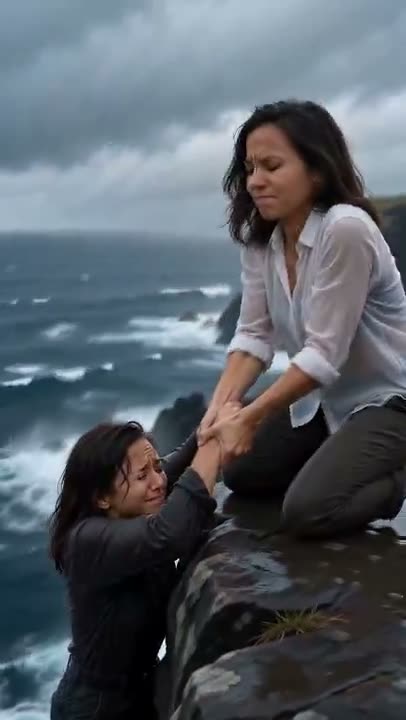
What Is the Save Yourself AI Trend? How the Clip Works and How to Make One
The save yourself AI trend explained: what the cliff-rescue clip is, what happens in it, how one photo or two photos (old me / new me) work, which photos to use, and how to label it as AI.
Theo Marchetti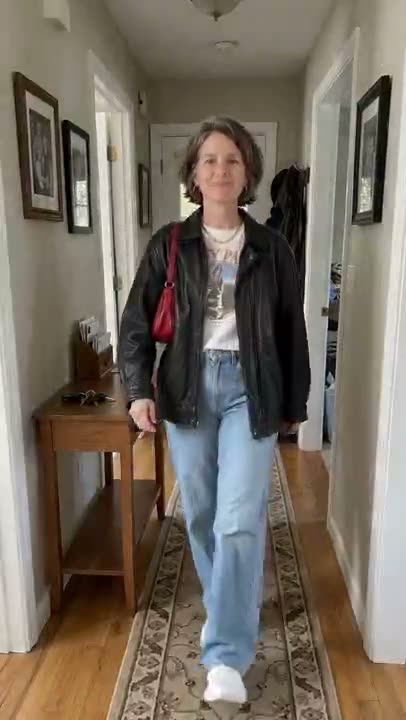
What Is the Turning My Mom Into Me AI Trend? How the Clip Works and How to Make One
The turning my mom into me AI trend explained: what the hallway outfit-swap clip is, what happens in it, which two photos you need, the dad and grandma versions, and how to label it as AI.
Theo Marchetti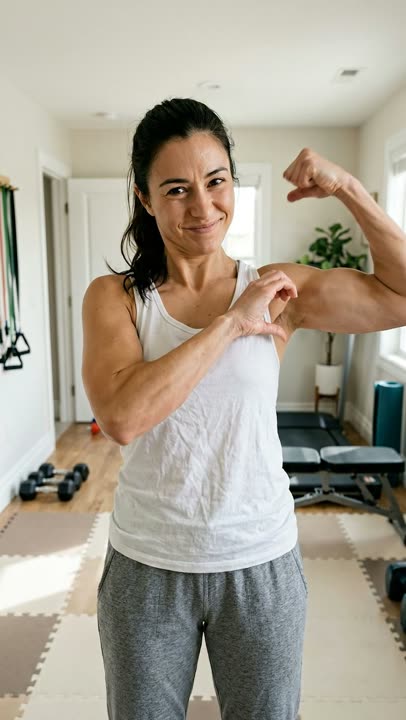
What Is the Bicep Heart Trend? How to Do the Pose, Step by Step
The bicep heart trend explained: what the one-arm bicep heart pose is, how to do it step by step, when it took off, why you do not need big arms, and how to make one from a photo.
Theo Marchetti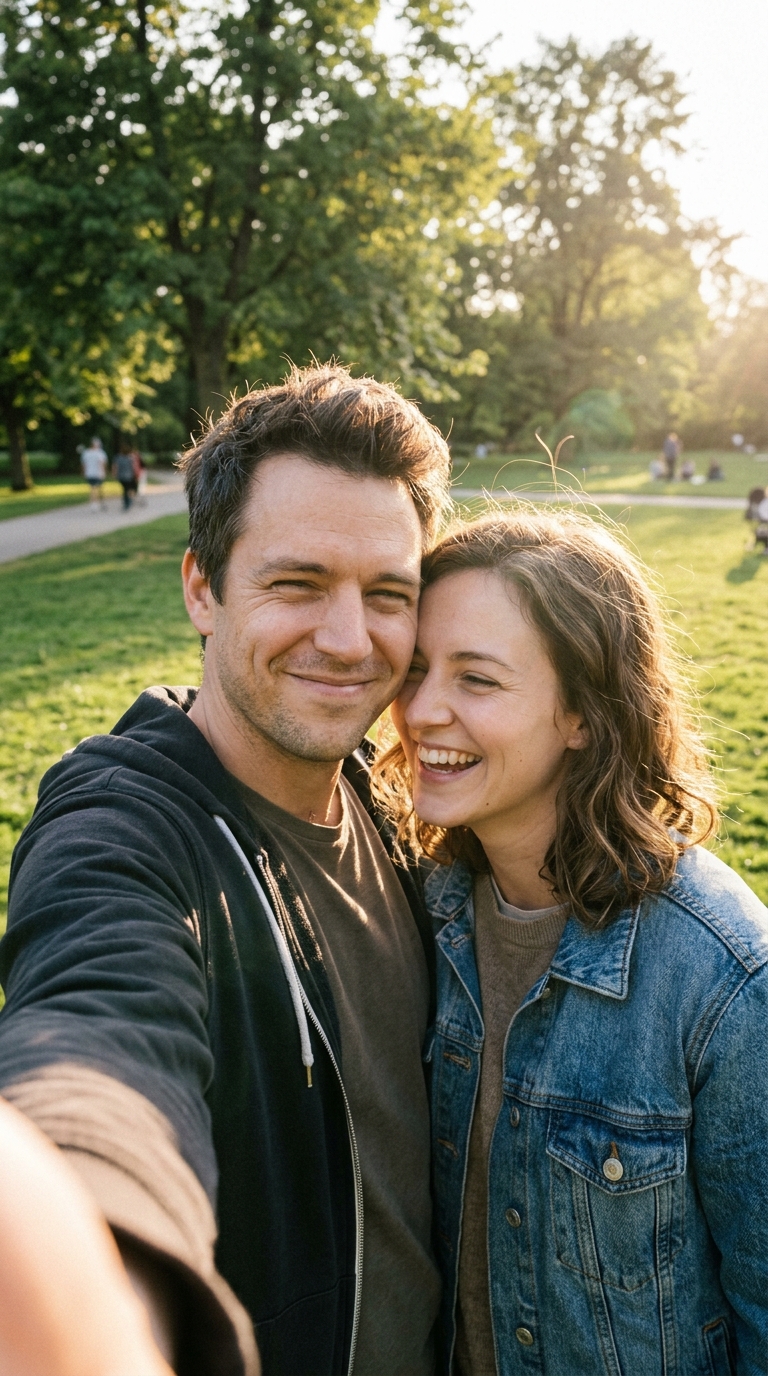
Photo to Dance Video: How to Turn One Picture Into a Toc Toc Clip
A practical guide to the one-photo-to-dance workflow: how to choose a photo (single subject, full body, lighting, framing), what to avoid, and how to fix a result that drifts — for a 12-second vertical toc toc video at 100 credits.
 Maya Chen