
What Is the Turning My Mom Into Me AI Trend? How the Clip Works and How to Make One
The turning my mom into me AI trend explained: what the hallway outfit-swap clip is, what happens in it, which two photos you need, the dad and grandma versions, and how to label it as AI.
 Theo Marchetti
Virtual editorial column · Meme history and origins
CircleAIDance editorial content; the profile image is AI-generated and does not represent a real customer, independent reviewer, or named human expert.
AI-assisted explainer written on November 12, 2026 from how the effect works on our own generator; it cites no search volumes, creator names or competitor figures. The sample clip and both photos are AI-generated and show a fictional scene.
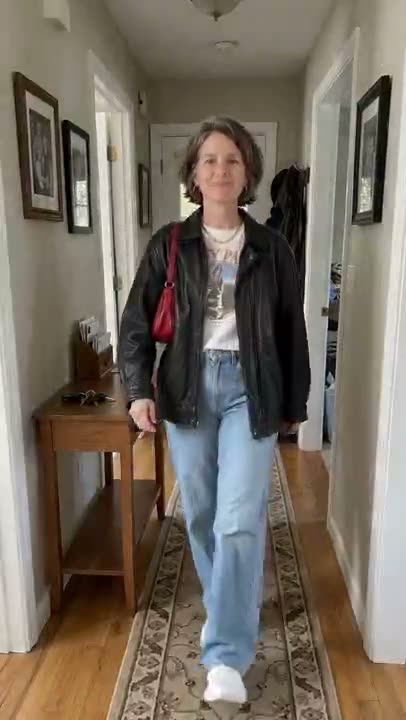
The turning my mom into me AI trend is a short, obviously fictional clip: mom walks down a hallway in her own clothes and out of frame, and when she walks back in she is wearing your outfit and strutting like she owns it. It is an AI video trend on TikTok and Reels, and the dad and grandma versions work the same way.
What happens in the clip?
Four beats, in order:
- Her own clothes. Mom walks toward the camera down a home hallway in the outfit from her photo.
- Out of frame. She walks past the camera and leaves the shot.
- The pause. The hallway is empty for a beat — this is where the outfit changes.
- Back in yours. She strides back in wearing your whole outfit, stops near the camera, and strikes a confident pose.
The phone is fixed at the end of the hallway and never moves. Only one person appears.
How do you make a turning my mom into me AI video?
You need two photos, uploaded in order on the turning my mom into me AI page: mom first, then you in the outfit you want to lend her. Press generate and you get a 10-second vertical clip for 100 credits; failed renders are never charged. The clip has no sound baked in, so add your own sound inside TikTok or Reels when you post.
Which photos work best?
Photo 1 should show mom’s face clearly, and full body is best. Photo 2 should be a full-length shot of you in the outfit, with shoes, bag and jewelry in frame, against a plain background. The generator keeps mom’s face, hair and build from the first photo and takes only the clothes, shoes and accessories from the second, so your own face does not appear. The outfit is an approximation: small prints and logos may differ.
Can you make the dad or grandma version?
Yes. Use a photo of your dad or grandma as photo 1 and the same outfit photo as photo 2. Ask them first, only use photos of adults who agreed, and no celebrities.
Do you have to label it as AI?
Yes. It is a fictional AI clip, so mark the post as AI-generated when you share it.
For another trend built on your own photo, see what the save yourself AI trend is, or the baby mustache AI trend.
Related guides

What Is the Save Yourself AI Trend? How the Clip Works and How to Make One
The save yourself AI trend explained: what the cliff-rescue clip is, what happens in it, how one photo or two photos (old me / new me) work, which photos to use, and how to label it as AI.
Theo Marchetti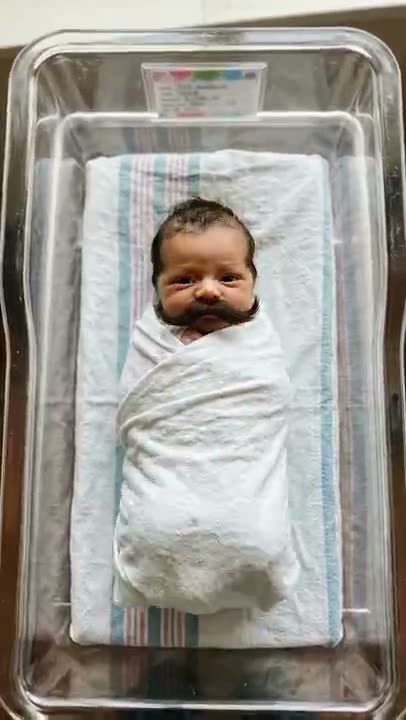
What Is the Baby Mustache AI Trend? How the Clip Works and How to Make One
The baby mustache AI trend explained: what the newborn-with-a-mustache clip is, what happens in it, which photos work, whether you can use your own baby or a pet, and how to label it as AI.
Theo Marchetti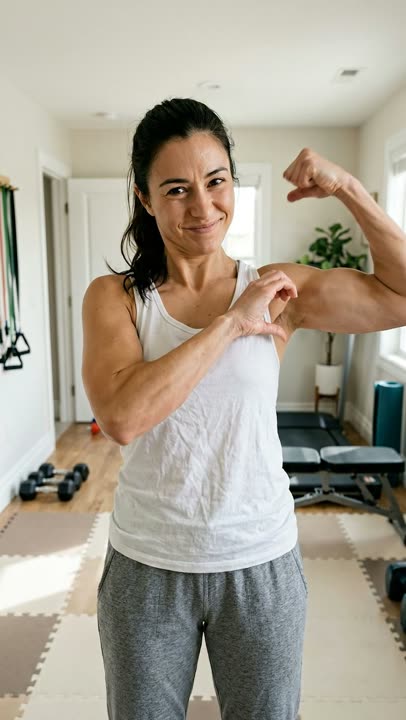
What Is the Bicep Heart Trend? How to Do the Pose, Step by Step
The bicep heart trend explained: what the one-arm bicep heart pose is, how to do it step by step, when it took off, why you do not need big arms, and how to make one from a photo.
Theo Marchetti
The Burning Bridges AI Trend, Explained: Where It Comes From and the Moves
What the Burning Bridges AI video trend is, which music video it comes from, the five party moves, when it took off, and how to make your own version from a photo without pasting yourself into the original.
Theo Marchetti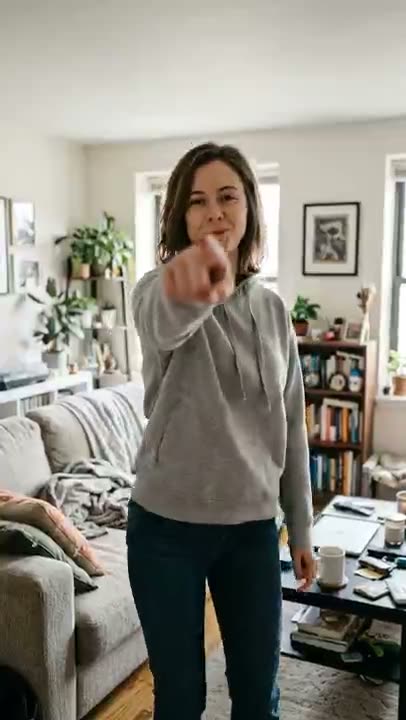
What Is the Bow Bow Bow Dance? The Moves, Step by Step, and How to Make One From a Photo
The Bow Bow Bow dance explained: what the point-and-bounce dance is, the moves beat by beat, which photo works, and how to turn one photo of yourself into an 8-second clip and label it as AI.
Theo Marchetti