
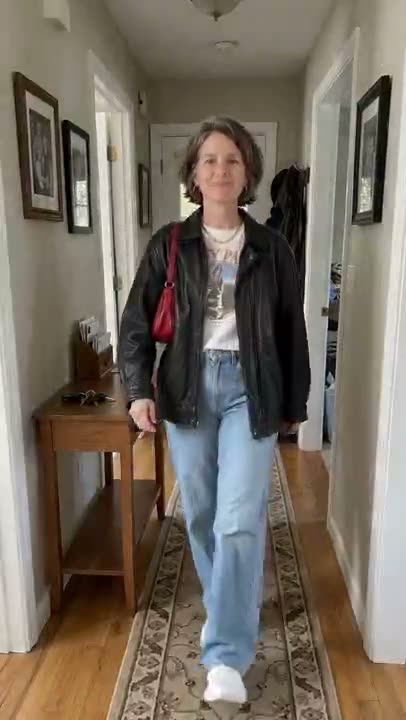
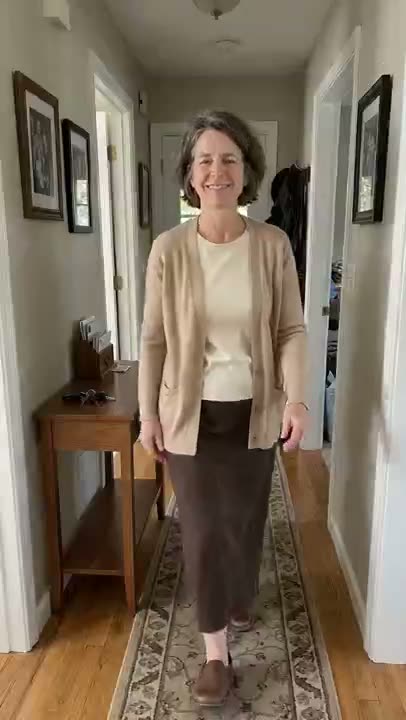
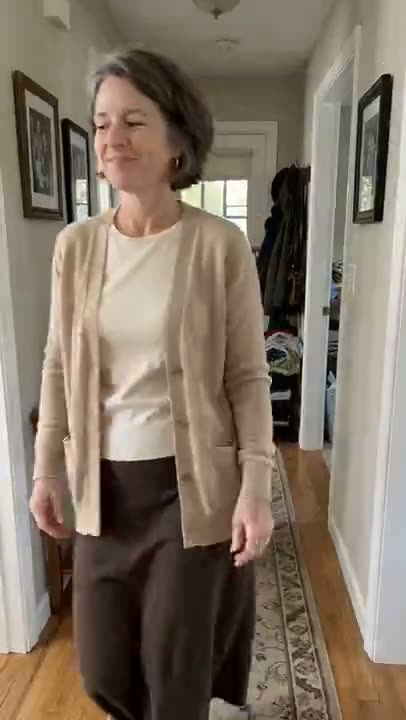
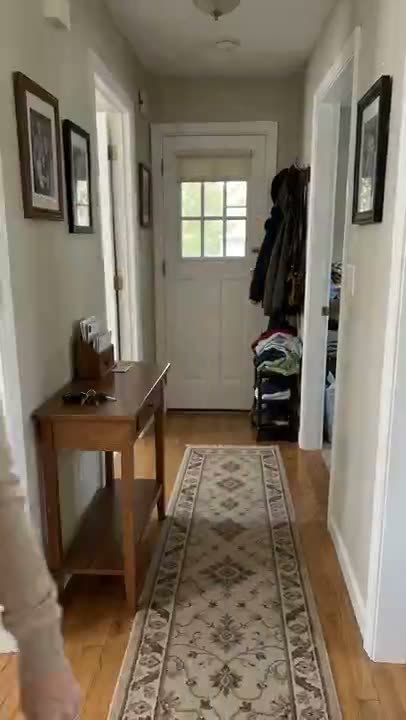
How to make a turning my mom into me AI video
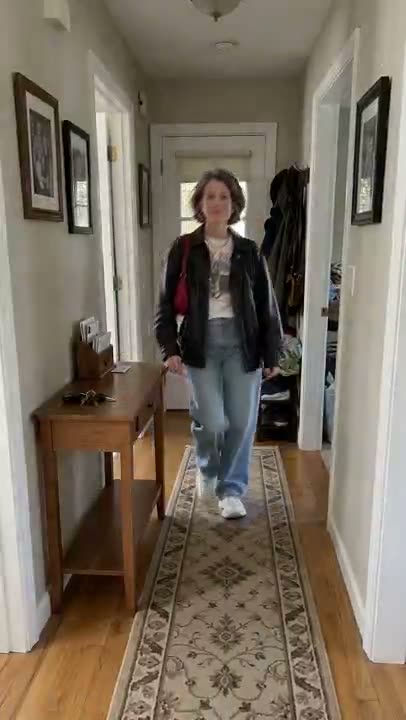
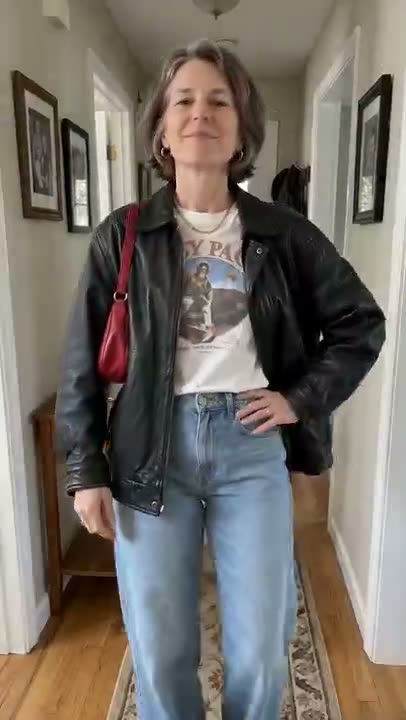
The turning my mom into me AI trend is a short, obviously fictional clip on TikTok and Reels: mom walks down a hallway in her own clothes and out of frame, then strides back in wearing your outfit like she owns it. The dad and grandma versions work the same way. Upload a photo of mom and a photo of you in the outfit, and the generator makes your own version.
- The scene: a home hallway, a phone fixed at the far end, one person walking
- The beats: mom in her own clothes, out of frame, a short pause, back in your outfit with a confident pose
- Two photos: mom for the face, you in the outfit for the clothes — your own face is not used
From $4.99 for your first pack · no subscription · Failed renders are never charged
- 01
Ask mom, then pick two photos
Ask your mom (or dad, or grandma) first, and only use photos of an adult who agreed. Photo 1: their face clearly, full body if possible. Photo 2: you in the outfit, full length, shoes, bag and jewelry all in frame.
- 02
Upload both and press generate
Upload the photos in order: person first, outfit second. The AI keeps mom’s face, hair and build from the first photo and takes only the clothes, shoes and accessories from the second. You do not appear in the clip.
- 03
Download, add your sound, label it as AI
The clip has no sound baked in. When you post to TikTok or Reels, add your own sound inside the app, and label the post as AI-generated.
What you need, what you get
You need
- Photo 1: your mom (or dad, or grandma) with a clear face — full body is best. Ask them first
- Photo 2: you in the outfit you want to lend, full length, with shoes, bag and jewelry in frame
You get
- A 10-second vertical 9:16 clip shot like a phone fixed at the end of a hallway: mom walks toward the camera, walks out of frame, pauses, then strides back in your outfit and strikes a pose
- Only mom appears — your photo is used for the clothes, not your face
Limits
- It is a fictional AI clip, not real footage — label it as AI when you post
- The outfit is an approximation of the second photo: small prints, logos and accessories may differ
- No sound is baked in, and mom’s likeness is close rather than exact
Credit packs
1 video (10s) = 100 credits · pay once
- Credits never expire
- Failed = free
- No subscription
1 HD Video
100 credits · once per account
$4.99 first video · then $9.90/video
1 Video
100 credits · 1 video
$9.90/video
3 Videos
300 credits · 3 videos
$6.63/video · Save 33%
5 Videos
500 credits · 5 videos
$5.98/video · Save 40%
Turning My Mom Into Me AI — FAQ
What is the turning my mom into me AI trend?
It is an AI video trend on TikTok and Reels: mom walks down a hallway in her own clothes and out of frame, then walks back in wearing your outfit with a confident strut. There are dad and grandma versions too. The clip is clearly fictional.
How do you make a turning my mom into me AI video?
Upload two photos to the generator on this page: mom first, then you in the outfit you want to lend her. Press generate and you get a 10-second vertical clip for 100 credits. Add your own sound inside TikTok or Reels when you post.
Which photos work best?
Photo 1 should show mom’s face clearly, and full body works best. Photo 2 should be a full-length shot of you in the outfit with shoes, bag and jewelry in frame, against a plain background. Blurry, cropped or heavily filtered photos make the outfit less accurate.
Does my own face appear in the video?
No. Only one person appears: mom, with her face, hair and build from the first photo. The second photo is used only for the clothes, shoes and accessories. The outfit is an approximation, so small prints and logos may differ.
Can I make the dad or grandma version?
Yes. Use a photo of your dad or grandma as photo 1 and the outfit photo as photo 2; the clip works the same way. Ask them first, only use photos of adults who agreed, and no celebrities.
Do I have to label it as AI, and how much does it cost?
Yes — it is a fictional AI clip, so label the post as AI-generated. Each video costs 100 credits. Credits come in one-time packs with no subscription: the first pack is $4.99 for 100 credits, then $9.90 for 100 credits. Failed renders are never charged.
Read next
More trends to try
All trends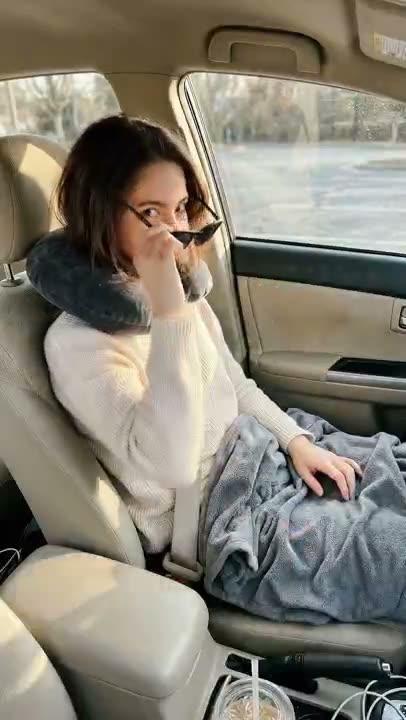
Passenger Princess
The princess is off duty.
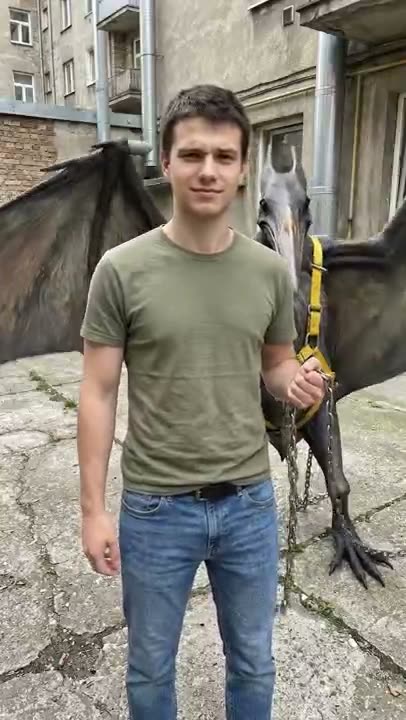
Mexico Pterodactyl
It got loose. I caught it again.
How I Become a Millionaire
Asked the AI. Read the answer.
Bow Bow Bow
Point. Shift. Bounce.

Save Yourself
Nobody is coming. So you do it.
Baby Mustache
A newborn. A serious mustache.
Burning Bridges
Lean in. Cup up. Where she at?
Bicep Heart
Flex. Wrap. Heart.
Ela Peida Funk
Cross the arms. Frame the face. Cross the feet.
Chipmunks Dance
No trio needed. No filming.
- Wassup in a Minute
Wassup in a Minute
White background. Slow sway.
- Window Peeper
Window Peeper
One lit window. One stare.
- Pedra do Sal
Pedra do Sal
Packed square. Deadpan center.
- Ba Ba Ba Dance
Ba Ba Ba Dance
Side by side. Solo. Swap. Sync.
Shan Shen Bu
Dodge it. Deadpan.
La Calabaza
Three kittens. One road. Full sync.
I Wanna Love You
Your cat. Full Akon mode.
Tip Toe In My Jordans
Sneaky steps. Cheeky grin.
Babydoll Dance
No dance skills. No filming.
Thriller Dance
One photo. Full zombie.