
How to make a “how I become a millionaire” AI video
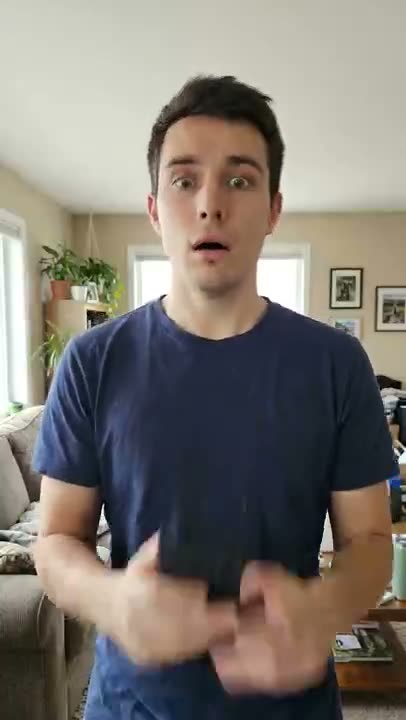
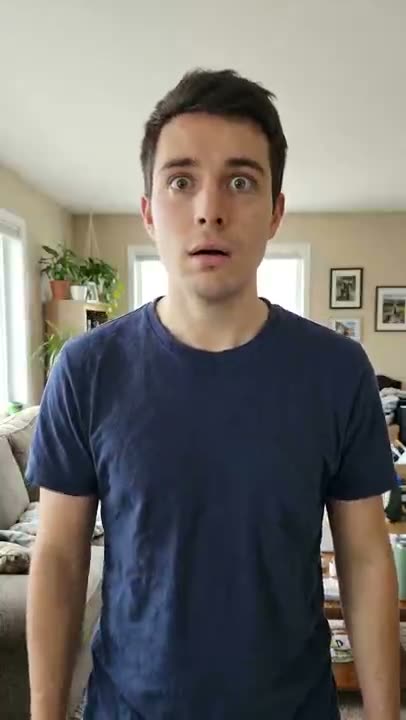
The “how I become a millionaire” AI skit is a short reaction clip: someone hopefully asks an AI chatbot on their phone how to become a millionaire, reads the reply, and their smile freezes into disbelief. The question and the reply are captions added afterwards — the video itself is just the few seconds of reading the phone. Upload one photo and the generator makes that reaction clip.
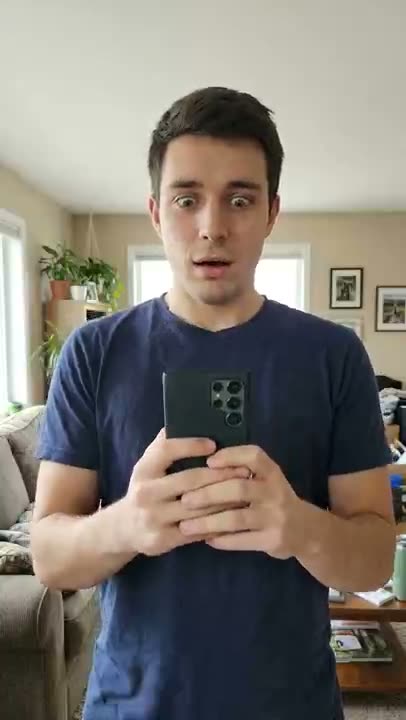
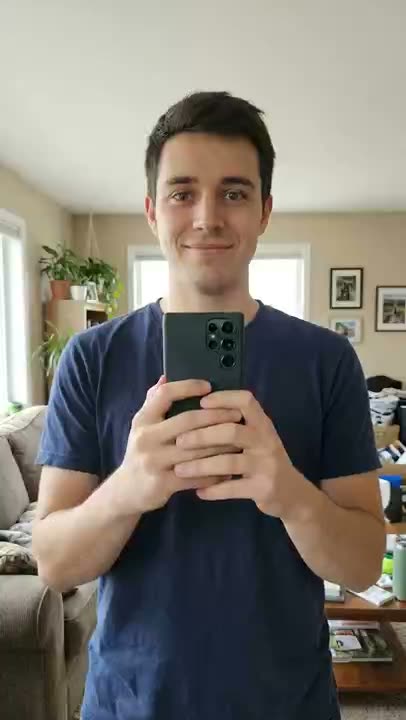
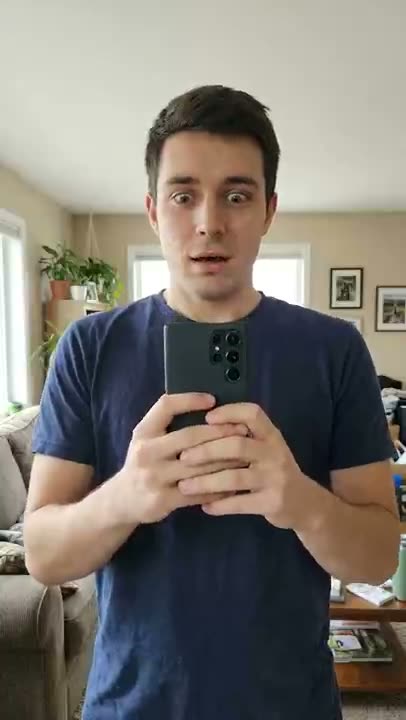
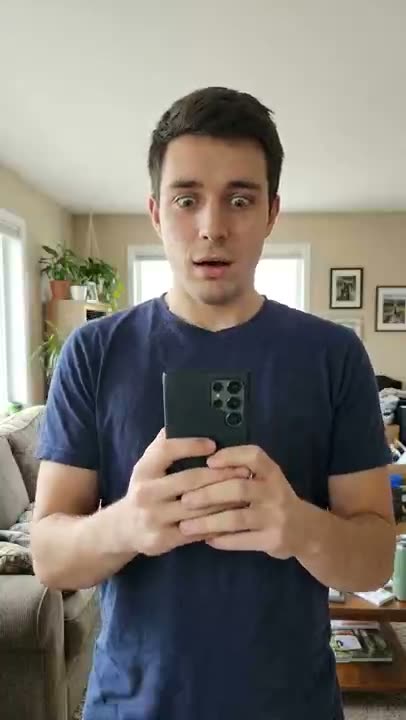
- The clip: a hopeful half-smile at a phone, the smile freezes, a look of disbelief over the top of the phone, then a slow look up at the camera
- The captions: you add two lines yourself — the question and the AI chatbot’s reply — in any video editor
- The joke: the reply is the punchline, and your face is the reaction
From $4.99 for your first pack · no subscription · Failed renders are never charged
- 01
Pick a chest-up photo
Use a photo of yourself, or of an adult who agreed, from the chest up, facing the camera in decent light. A phone in hand with its back to the camera helps. Only use photos you have the right to use.
- 02
Upload it and press generate
Upload the photo to the generator on this page. The AI keeps the same face and clothes and plays the reaction: hopeful smile, frozen smile, disbelief, a slow look at the camera.
- 03
Add two caption lines in your editor
The clip has no words in it. In your own video editor, put the question on one line (for example “How do I become a millionaire?”) and the AI chatbot’s reply on the next, in the clean space at the bottom. Mark the post as AI-generated.
What you need, what you get
You need
- One clear photo of yourself, or of an adult who agreed, from the chest up, facing the camera
- Decent light, and ideally a phone in hand with the back of the phone toward the camera
You get
- An 8-second vertical 9:16 reaction clip: a hopeful look at a phone, a frozen smile, a look of disbelief, a slow look up at the camera
- Clean space in the lower part of the frame for the two caption lines you add yourself
Limits
- The clip has no words in it — you add the question and the reply as captions in your own video editor
- No sound is baked in, and the phone screen is never shown; the timing of the reaction is approximate
Credit packs
This video: 30 credits (8s) · pay once
- Credits never expire
- Failed = free
- No subscription
First pack · 100 credits
3 videos like this page's
$4.99 once per account
100 credits
3 videos like this page's
300 credits
10 videos like this page's
500 credits
16 videos like this page's
How I Become a Millionaire AI — FAQ
What is the “how I become a millionaire” AI video?
It is a short reaction skit. Someone asks an AI chatbot on their phone how to become a millionaire, reads the reply, and their hopeful smile freezes into disbelief. The question and the reply appear as captions added afterwards; the video itself only shows the person reading the phone.
How do you make the clip from one photo?
Upload one clear chest-up photo to the generator on this page and press generate. You get an 8-second vertical clip of that person reacting for 30 credits. The phone screen is never shown and the clip has no words in it.
How do I add the question and the reply?
Add them as two caption lines in your own video editor. Put the question on the first line and the AI chatbot’s reply on the second, in the clean space at the bottom of the frame. Time the reply to appear just as the smile freezes, around the two-second mark.
What should the reply say?
Anything short and deflating works, because the reaction does the rest. Try “Get a job.”, “Save some money first.”, “Step one: stop asking me.” or “Have you tried a lemonade stand?”. These are jokes for a skit, not financial advice, and nothing here promises you will earn money.
Which photo works best?
A sharp, well-lit photo of one person from the chest up, facing the camera. Sunglasses, heavy filters and small faces in a group shot work poorly. Only use photos of yourself or adults who agreed, and no celebrities.
Do I have to label it as AI, and how much does it cost?
Yes — it is an AI-generated clip, so label the post as AI-generated. Each video costs 30 credits. Credits come in one-time packs with no subscription: the first pack is $4.99 for 100 credits, then $9.90 for 100 credits. Failed renders are never charged.
Read next
More trends to try
All trends
Passenger Princess
The princess is off duty.
Mexico Pterodactyl
It got loose. I caught it again.
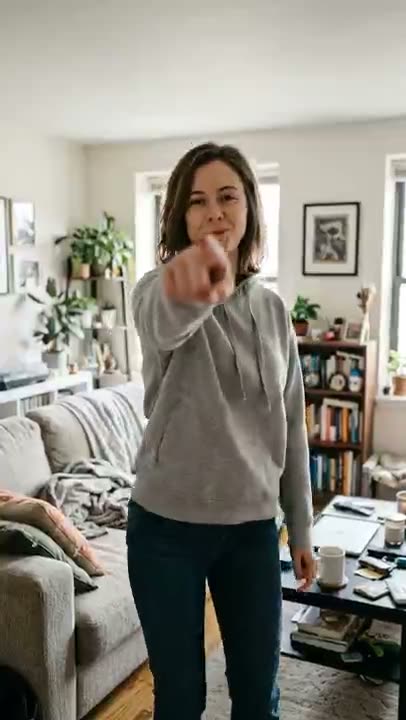
Bow Bow Bow
Point. Shift. Bounce.
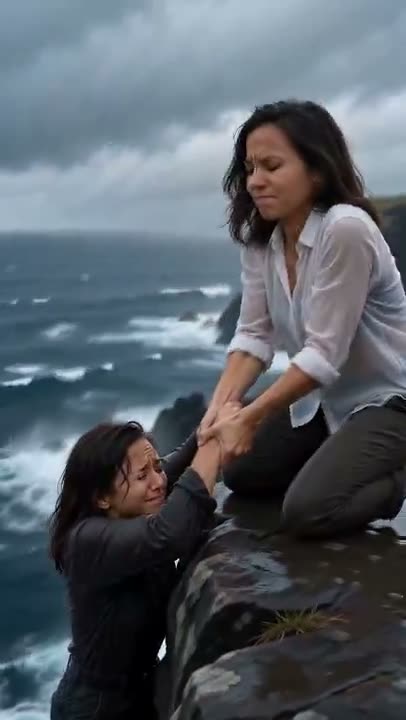
Save Yourself
Nobody is coming. So you do it.
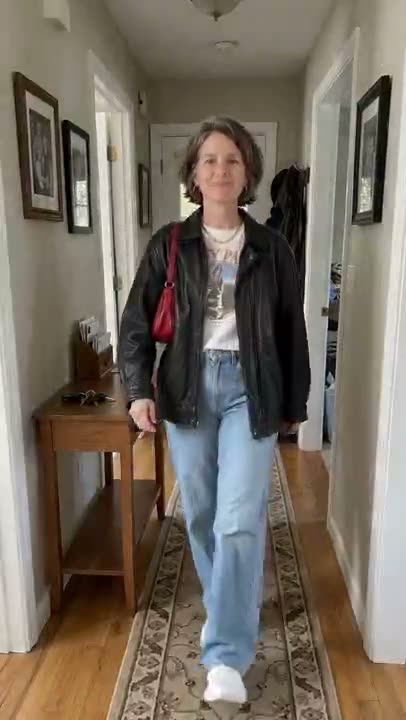
Turning My Mom Into Me
She walks out in hers. She walks back in yours.
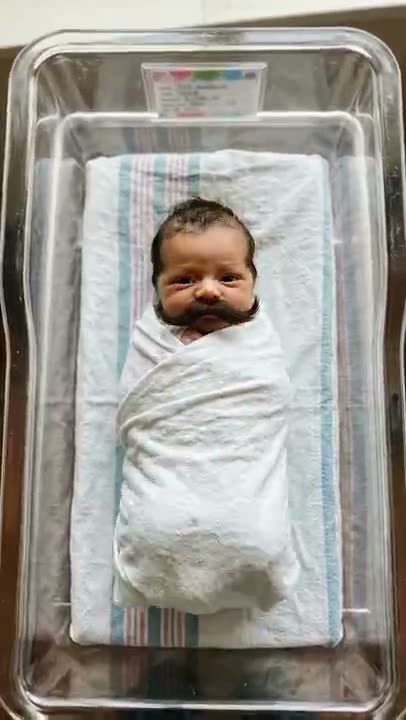
Baby Mustache
A newborn. A serious mustache.
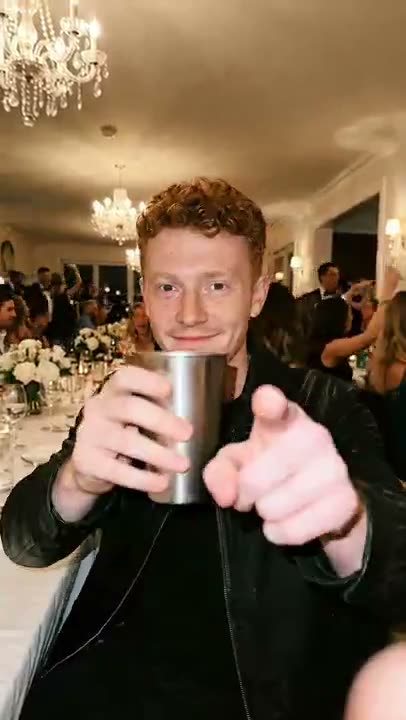
Burning Bridges
Lean in. Cup up. Where she at?
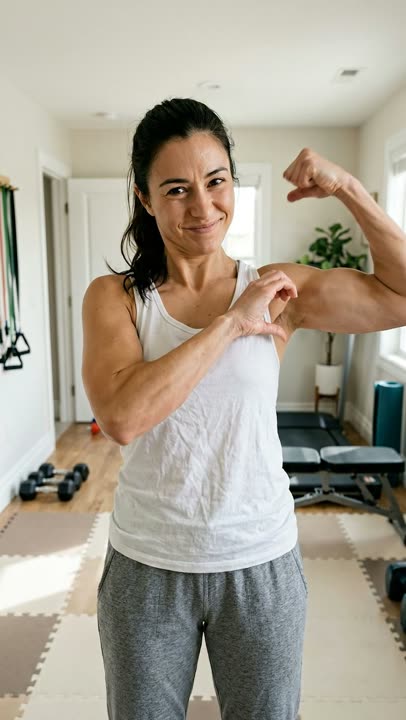
Bicep Heart
Flex. Wrap. Heart.
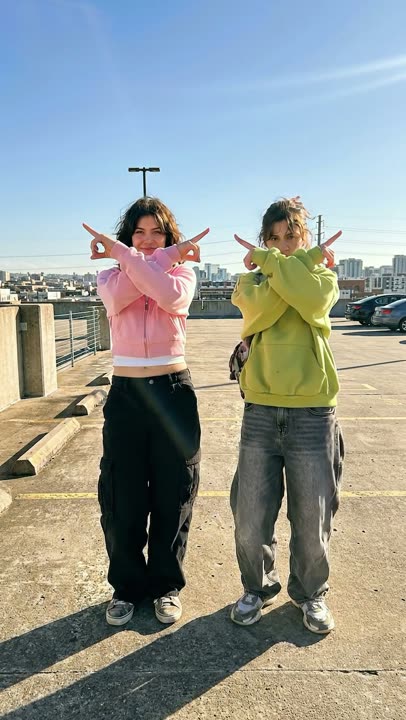
Ela Peida Funk
Cross the arms. Frame the face. Cross the feet.
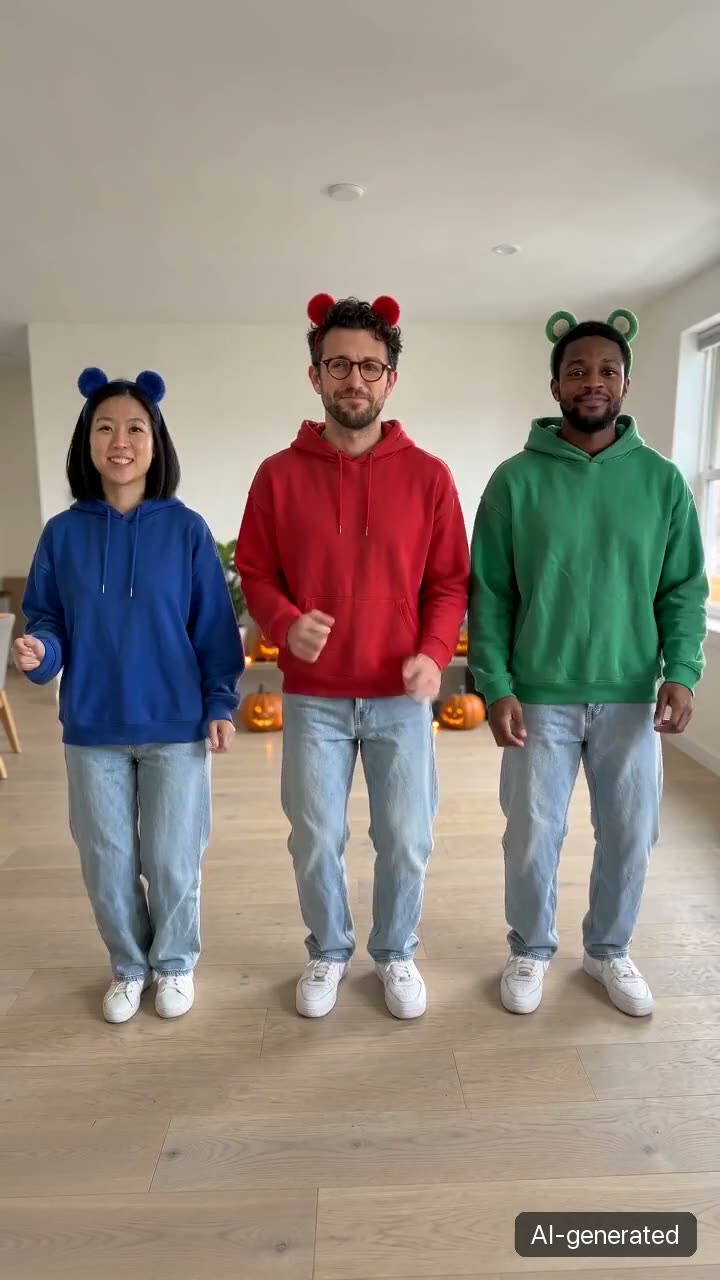
Chipmunks Dance
No trio needed. No filming.
- Wassup in a Minute
Wassup in a Minute
White background. Slow sway.
- Window Peeper
Window Peeper
One lit window. One stare.
- Pedra do Sal
Pedra do Sal
Packed square. Deadpan center.
- Ba Ba Ba Dance
Ba Ba Ba Dance
Side by side. Solo. Swap. Sync.
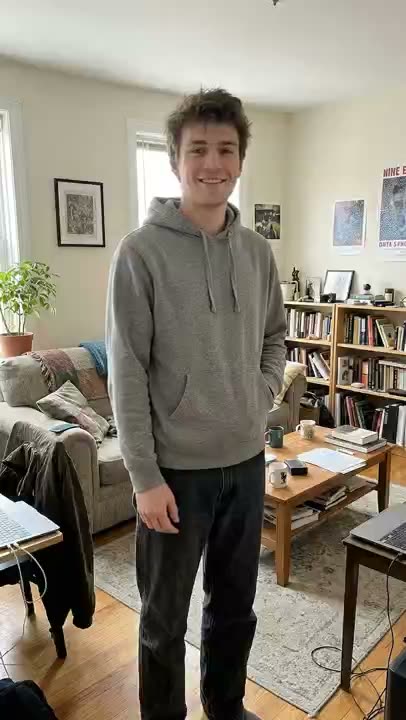
Shan Shen Bu
Dodge it. Deadpan.
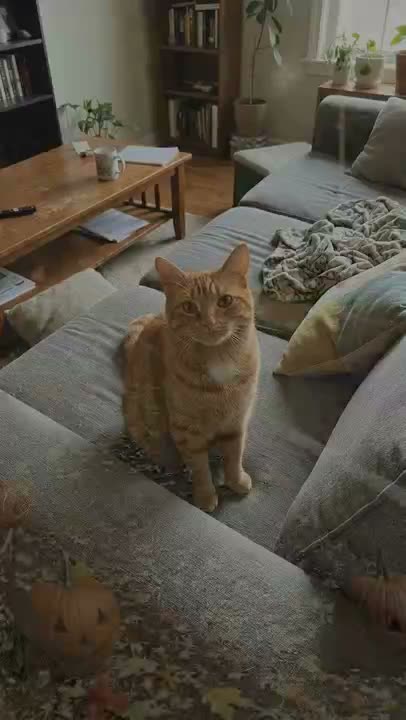
La Calabaza
Three kittens. One road. Full sync.
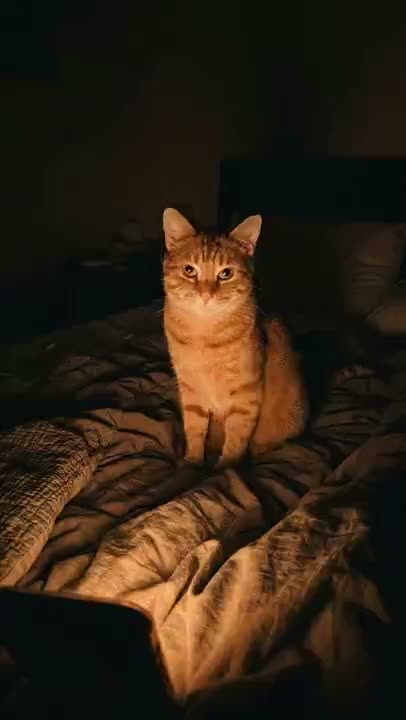
I Wanna Love You
Your cat. Full Akon mode.
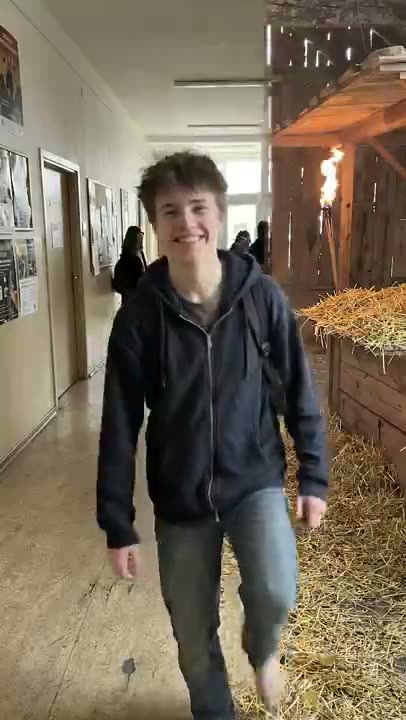
Tip Toe In My Jordans
Sneaky steps. Cheeky grin.
Babydoll Dance
No dance skills. No filming.
Thriller Dance
One photo. Full zombie.