
How to make a save yourself AI video
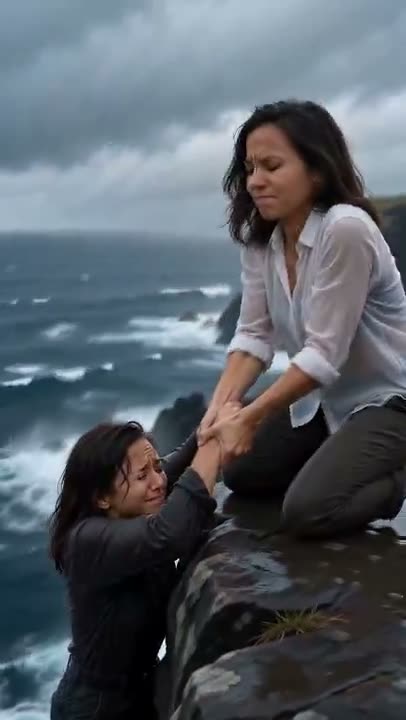
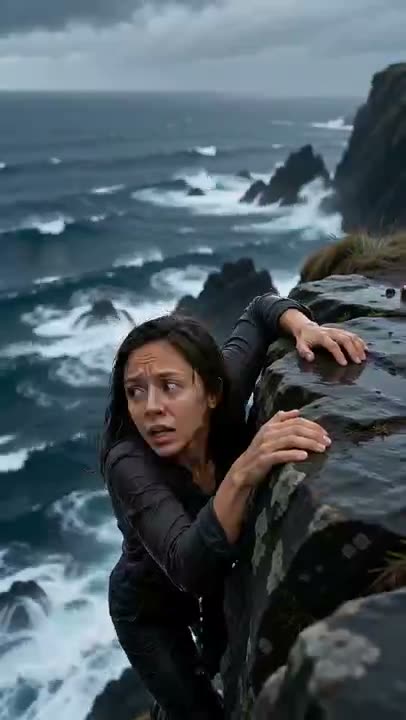
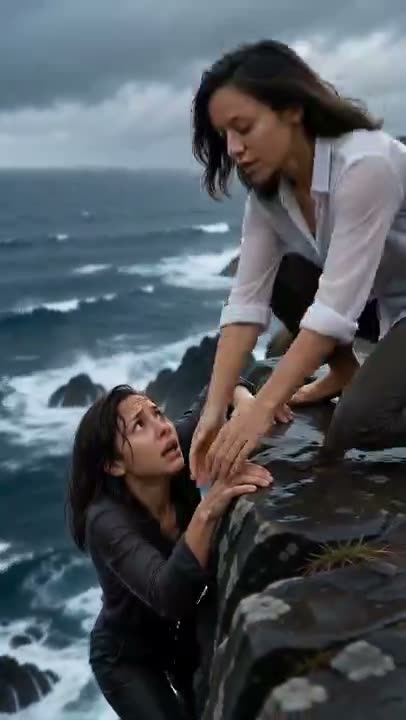
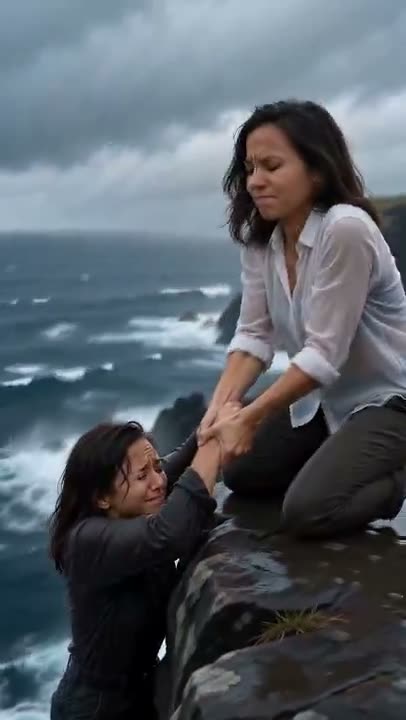
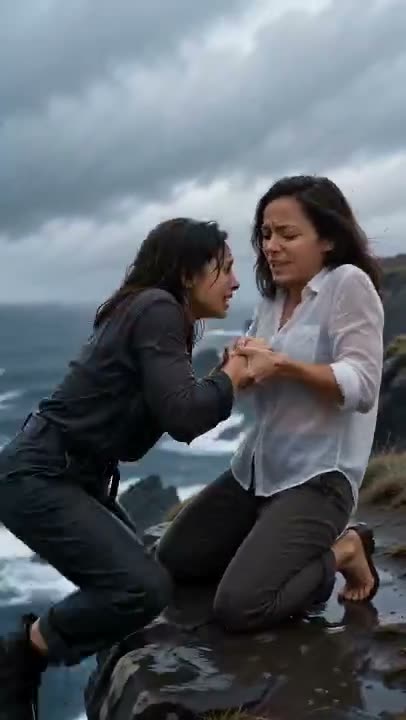
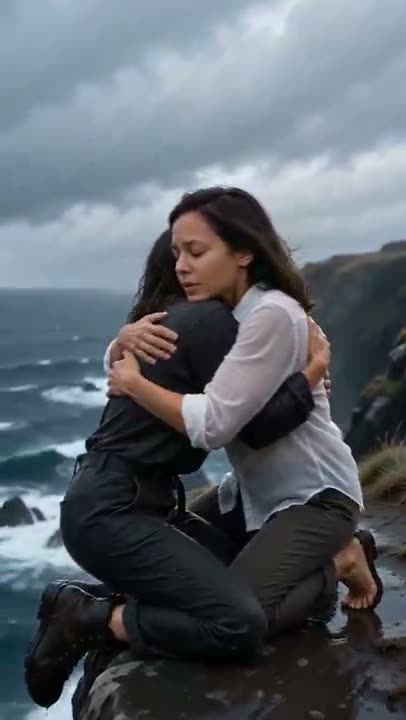
The save yourself AI trend is a short, obviously fictional clip on TikTok and Reels: you hang from a sea cliff above a stormy ocean, and a calmer, stronger version of you reaches down, pulls you up, and hugs you. The message is "if nobody comes to save you, save yourself." Upload one photo — or two — and the generator makes your own version.
- The scene: a stormy sea cliff, a frightened you slipping over the edge, a calm you in a white shirt grabbing your wrist
- The beats: hang on, wrist grab, pull up, kneel and hug
- One photo is enough; two photos (old me and new me) let each version use its own face
From $4.99 for your first pack · no subscription · Failed renders are never charged
- 01
Pick one or two photos of yourself
A sharp, well-lit photo with your face clearly visible. Want the old me / new me version? Add a second photo: the first becomes the you hanging on, the second the calm you who pulls you up. Only use your own photos, or photos of an adult who agreed.
- 02
Upload and press generate
Upload the photos to the generator on this page. The AI builds the cliff, the storm and both versions of you: dark, wet clothes for the frightened one, a white shirt for the calm one. Two people only.
- 03
Download, add your sound, label it as AI
The clip has no sound baked in. When you post to TikTok or Reels, add your own sound inside the app, and label the post as AI-generated.
What you need, what you get
You need
- One clear photo of yourself, face visible — or two photos, an older one and a recent one
- Only your own photos, or photos of someone who agreed. No celebrities, and adults only
You get
- A 10-second vertical 9:16 clip: a frightened you slips on a stormy sea cliff, a calmer you in a white shirt grabs your wrist and pulls you up, and you hug
- Both versions share your face; the clothes and the expressions tell them apart
Limits
- It is a fictional AI scene, not footage of a real event — label it as AI when you post
- No sound is baked in, and the likeness is close rather than exact
- Exactly two people appear. A group photo will not give you a group scene
Credit packs
1 video (10s) = 100 credits · pay once
- Credits never expire
- Failed = free
- No subscription
1 HD Video
100 credits · once per account
$4.99 first video · then $9.90/video
1 Video
100 credits · 1 video
$9.90/video
3 Videos
300 credits · 3 videos
$6.63/video · Save 33%
5 Videos
500 credits · 5 videos
$5.98/video · Save 40%
Save Yourself AI — FAQ
What is the save yourself AI trend?
It is an AI video trend on TikTok and Reels: you hang from a cliff above a stormy sea, and a calmer, stronger version of you pulls you up and hugs you. The message is that if nobody comes to rescue you, you can rescue yourself. The scene is clearly fictional.
How do you make a save yourself AI video?
Upload one clear photo of yourself to the generator on this page and press generate. You get a 10-second vertical clip with both versions of you for 100 credits. Add your own sound inside TikTok or Reels when you post.
Can I make it with just one photo?
Yes. With one photo, the AI uses your face for both the frightened you and the calm you, and the clothes and expressions tell them apart. Upload a second photo only if you want a different look for the version who pulls you up.
What is the old me / new me version?
Upload two photos: an older photo of yourself first, a recent one second. The first becomes the you hanging from the cliff and the second becomes the calm you who pulls you up. The result is an approximation, so expect a likeness that is close rather than exact.
Which photos work best, and who can I use?
A sharp, well-lit photo where the face fills a good part of the frame. Sunglasses, heavy filters and small faces in a group shot work poorly. Use your own photos, or photos of an adult who agreed. No celebrities, and no photos of other people without their permission.
Do I have to label it as AI, and how much does it cost?
Yes — it is a fictional AI scene, so label the post as AI-generated. Each video costs 100 credits, whether you upload one photo or two. Credits come in one-time packs with no subscription: the first pack is $4.99 for 100 credits, then $9.90 for 100 credits. Failed renders are never charged.
Read next
More trends to try
All trends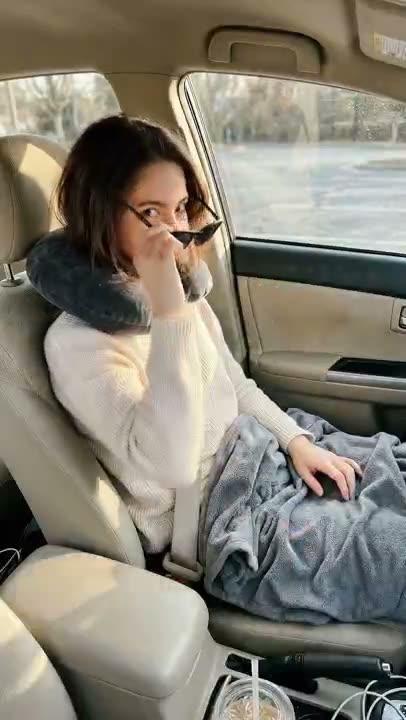
Passenger Princess
The princess is off duty.
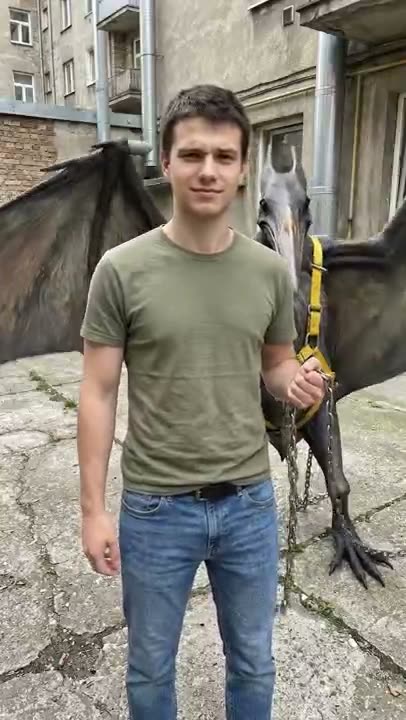
Mexico Pterodactyl
It got loose. I caught it again.
How I Become a Millionaire
Asked the AI. Read the answer.
Bow Bow Bow
Point. Shift. Bounce.
Turning My Mom Into Me
She walks out in hers. She walks back in yours.
Baby Mustache
A newborn. A serious mustache.
Burning Bridges
Lean in. Cup up. Where she at?
Bicep Heart
Flex. Wrap. Heart.
Ela Peida Funk
Cross the arms. Frame the face. Cross the feet.
Chipmunks Dance
No trio needed. No filming.
- Wassup in a Minute
Wassup in a Minute
White background. Slow sway.
- Window Peeper
Window Peeper
One lit window. One stare.
- Pedra do Sal
Pedra do Sal
Packed square. Deadpan center.
- Ba Ba Ba Dance
Ba Ba Ba Dance
Side by side. Solo. Swap. Sync.
Shan Shen Bu
Dodge it. Deadpan.
La Calabaza
Three kittens. One road. Full sync.
I Wanna Love You
Your cat. Full Akon mode.
Tip Toe In My Jordans
Sneaky steps. Cheeky grin.
Babydoll Dance
No dance skills. No filming.
Thriller Dance
One photo. Full zombie.